The app is a downsized virtual pipe organ that uses specific sample sets to create a versatile sound. It requires less memory and screen space than other organ apps.
by Markus Sigg★ 5.05 ratingsMusicFreeData updated 2026-10-01
Check note positions and fingering for trombone, euphonium, trumpet, tuba, and french horn. Transpose music for other instruments. Identify note names based on sound or visual representation.
Create beats using step sequencers and pads. Sample sounds from Roland TR and MPC machines. Mix tracks with a built-in mixer. Record and play back custom patterns. Adjust tempo and rhythm settings. Export and share finished projects.
Create rhythmic patterns using 28 percussive sounds from everyday objects. Adjust volume, pan, and effects for each sound. Record and playback loops. Share performances via file export or social media.
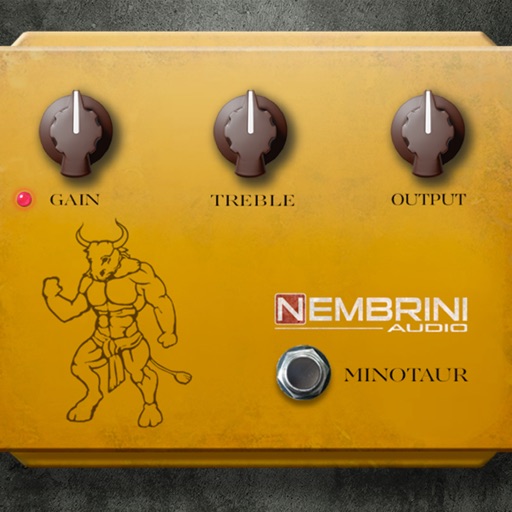
A guitar pedal simulation. Adjust gain, volume, and tone knobs to shape sound. Add clean boost with minimal tonal change. Drive input valve for enhanced signal. Supports pedal-like controls and real-time sound customization.
The app teaches music appreciation and learning through a natural approach. Animated videos demonstrate how to play songs, and it includes two keyboards for practice.
Catalog music gear and tones with detailed notes and sound recordings. Record riffs and voice memos using the iPhone microphone. Import and rename voice memos for organization. Track gear details and tones by sound and creation method.
The app provides a virtual piano sound module with a large collection of audio samples for realistic sound. It supports Bluetooth LE MIDI, Audio Unit, and Inter-App Audio, and can be used with external MIDI keyboards.
Detects pipe chanter notes and drones using built-in or external microphone. Displays note, frequency, and pitch position. Includes digital and analog meters, waveform input monitor, and auto gain control.
Access fingerings for over 200 instruments. View fingerings on a virtual instrument or as a diagram. Suitable for beginners and professionals. Learn and practice correct finger placements for various instruments.
Adjust audio frequencies with 600+ filter types including shelving, peaking, and adaptive filters. Apply dynamic equalization for precise sound shaping. Customize settings for different audio tasks and export adjusted audio files.
Create and manipulate audio using up to 10 band pass filters displayed as . Adjust resonance, delay time, and feedback per band. Modify cutoff frequency and resonance across bands for custom sound effects.