Adjust camera settings including exposure, focus, and white balance. Control shutter speed and ISO manually. Preview and review photos instantly. Save and share edited images directly.
by Roger Bauchspies★ 4.538 ratingsPhoto & Video$9.99Data updated 2026-09-23
Create 3D images using one or two devices. Capture photos simultaneously with two devices. View 3D images by crossing eyes. Includes tutorial for cross-viewing technique. Preview 3D images before finalizing. Share 3D photos directly.
Take property photos with guided shooting modes and auto-stabilization. Adjust exposure, brightness, and color in real time. Export images directly to BoxBrownie.com for professional editing. Share edited photos via email or cloud storage.
Edit photos with advanced filters, exposure adjustments, and color grading. Crop, rotate, and straighten images. Add text, stickers, and borders. Export in various formats and share directly.
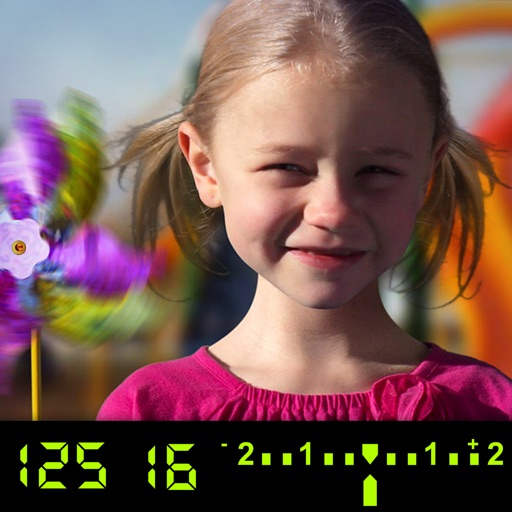
The app visually explains DSLR camera controls and allows users to experience the effects of various settings. It provides instant feedback and advice on user settings, making it a tool for learning photography.
Edit photos by selecting from a gallery or capturing new images. Apply unique and not found elsewhere. Adjust background colors and photo size. Combine multiple with a single tap. Export and share edited photos.
Offers control over ISO, shutter speed, focus, and white balance. Users can shoot high-resolution photos and cinematic videos. Features include -style settings, focus adjustment, and exposure control for professional-quality imaging.
Helps landscape photographers calculate settings. It includes magic hours, sunrise and sunset times, and sun direction. Users input shooting parameters to determine optimal settings.
Record videos and photos with controls including focus peaking, false color, and histogram. Shoot in PRORAW and DNG formats. Adjust audio metering, custom resolutions, and frame rates. Export logs and fat videos.
Convert to black and white by selecting images and swiping horizontally or vertically. Adjust brightness, contrast, and grain. Export edited to photo library or share directly.
Distances with millimeter precision using or TrueDepth camera. Tap to place markers and view real-time measurements. Save and share measurement data. Export as PDF or image.
Capture low-light scenes with enhanced exposure and LiDAR depth sensing. Adjust RGB color channels and use histogram-based enhancement. Access classic green mode for improved visibility in dim environments.
APPAS SOLUTIONS, SOCIETATEA CU RASPUNDERE LIMITATA
Capture photos and videos in low
Capture photos and videos in low- conditions using advanced technology. Adjust brightness and color settings manually or automatically. Record live view with enhanced clarity and color. Share edited media directly from the .
Apply , infrared, and night filters to photos and videos. Adjust color temperature and intensity. Export edited content in various formats. Share directly from the .