The app allows users to create pixel art for iron-on beads and bead stitching. It supports importing and scanning photos into a pixel art canvas with adjustable sizes and various bead shapes.
Convert photos into sketches with tone drawing engine. Adjust pen color, size, and background. Generate strokes with transparent backgrounds. Save sketches in original size and colorize with original colors.
The app displays SVG and SVGZ files, including animated ones. It supports exporting to PNG, TIFF, and PDF formats with an alpha channel, and can be automated with AppleScript or Automator.
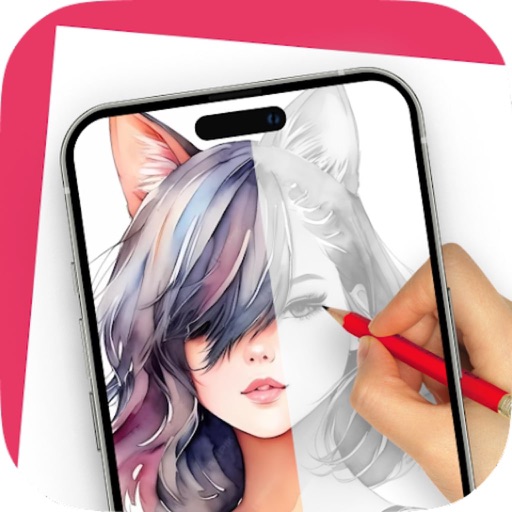
Draw Anything with AR allows users to sketch and paint using augmented reality. Users can select or upload images and projected lines for accurate drawings. The provides templates for anime, chibi cars, and animals.
The app offers basic drawing items, modification functions, and multi-layer support. Users can add images, save blocks to a template list, and customize the background.
Create and import e-signatures using AI-generated styles or hand-drawn inputs. documents instantly with secure digital signing. Save and reuse signatures across multiple files. Share signed documents via email or cloud storage.
In 3D using augmented reality. and design in real-time with intuitive tools. Adjust lighting and perspective. Export creations in various formats. Collaborate in real-time with others. Sync projects across devices.
The app offers an infinite canvas drawing tool with a fast paint engine and professional perspective tools. It supports layering, image import, text input, and a variety of natural paintbrushes.
The app allows users to design and create professional prints like flyers, brochures, and business cards. It includes templates, clipart, backgrounds, and editing features for text and objects.