Experience traditional Bangladeshi percussion sounds.
The app simulates the Bangladeshi musical instrument DoogDoogi, a percussion instrument played by shaking a mobile device. Users can experience traditional sounds, select different percussion options, and set alarms with the instrument's sounds.
by SurroundApps, Inc.★ 5.05 ratingsMusicFreeData updated 2026-10-01
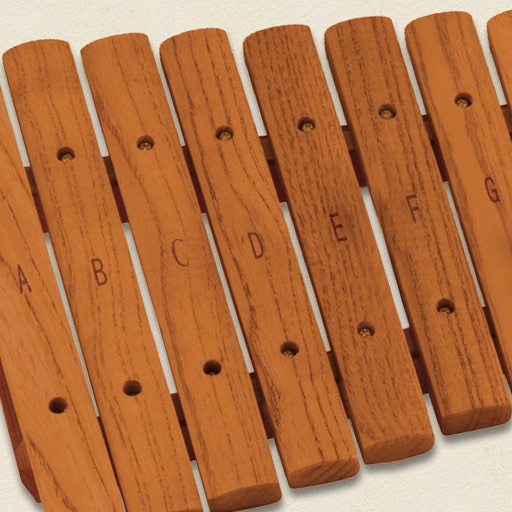
The app simulates a marimba, a percussion instrument with wooden keys arranged like a piano. It produces musical tones when struck with mallets, offering a chromatic layout for performers.
The app offers a piano interface with multiple instrument sounds including piano, pan flute, and violin. Users can play along with songs and enjoy percussion instruments with G-sensor support.
Turn your iPhone into a percussion instrument by shaking it. Choose from four sounds: Egg, , Tambourine, and Bells. Swipe to switch instruments. The uses a gyroscope to map movement and adjust audio based on shaking intensity.
Play a full 88-key with touch-based keyboard. Adjust key size for different hand sizes. Switch between 128 instrument sounds including , electric , and harpsic.
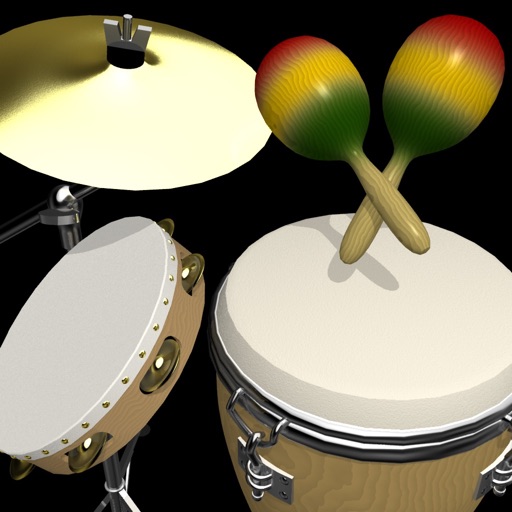
The app performs percussion with drums, tambourine, triangle, congas, and maracas. Users can select and perform rhythm patterns for each instrument, adjust tempo, and shake the device to play tambourine and maracas sounds.
Create and edit music tracks using a wide range of drum and percussion sounds. Adjust rhythms and beats with an improved jamming algorithm. Export finished projects in multiple formats and share directly.
The app provides tools to master drumming on a smartphone or tablet. Users can learn with video lessons and play along with loops, experiencing the sensation of playing a real band.
Play and learn percussion with virtual and bongos. Tap to strike drums, adjust volume, and follow video lessons. Access loops in various music styles to practice and play along. Track progress and replay lessons for improvement.
Create rhythmic patterns with adjustable groove and swing settings. Use a metronome with clave support for timing. Play looped sounds in various styles including jazz and pop. Adjust tempo and save custom grooves. No internet connection required.
Play percussion instruments by tapping, shaking, or rolling the device. Choose from 18 high-quality percussion sounds. Assign favorite instruments to tab bar shortcuts for quick access. Switch between instruments instantly.
Play the oud instrument with realistic acoustic sound. Access scales and notes for practice. Record and share music on social media. Use a piano interface with oud sounds. Manage audio files and engage with interactive features.
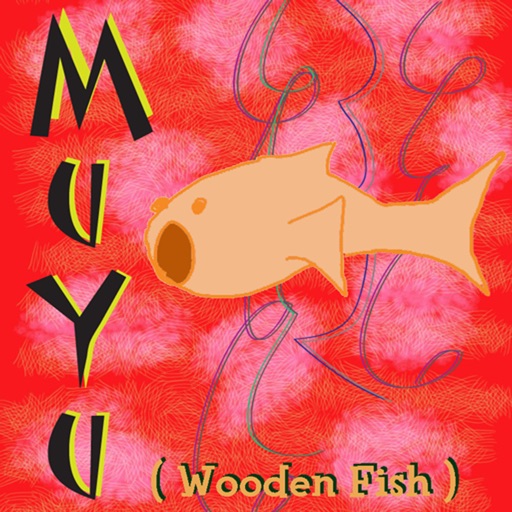
The app simulates a traditional Chinese percussion instrument. Users can tap the virtual wooden fish to produce sounds and play along with music from their device's playlist.
Create and customize drum loops with adjustable rhythm and measure settings. Add custom sound samples from real instruments. Choose from three preset tracks or build your own percussion kits. Export high-definition audio files.
Practice rhythms by setting custom tempos and combining instruments like clave, piano, congas, and timbal. Create and mix loops for personalized practice. Use as a metronome to refine groove.
Create custom percussion sounds using a flexible synthesis engine. Design drum patterns with a Euclidean sequencer. Export and integrate sounds into projects. Adjust synthesis parameters for unique effects.
Create rhythmic with real samples and clave metronome. Adjust groove and swing settings. Play back without internet. Sync with metronome for timing. Export audio files. Track performance progress.
Train musical ear with percussion instrument recognition. Practice pitch identification, rhythm exercises, and interval . Track progress with detailed analytics and adjust difficulty levels.