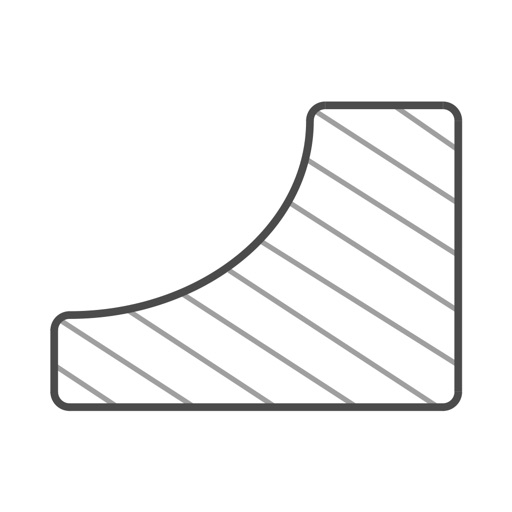
Create and manipulate geometric shapes such as points, lines, angles, and conic sections. Adjust properties and calculate metrics. Display shapes on a zoomable coordinate system. Construct medians, altitudes, and bisectors.
by Bytes Arithmetic LLC★ 3.810 ratingsEducation$6.99Data updated 2026-09-08
Scan text from books, signs, or brochures using the camera to look up word definitions. Highlight and save unknown for later review. Automatically skip common during lookup. Share definitions via copy or email.
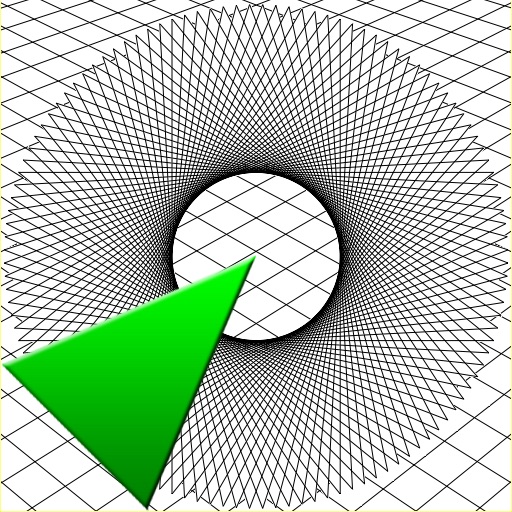
Learn programming concepts through visual commands. shapes by instructing a turtle to move and turn. View programs and drawings side by side. Toggle full screen for larger drawing area. Adjust turtle movements to create complex designs.
Create and customize rooms in 2D floor plans. Add and adjust room properties. Drag and drop furniture, doors, and windows from organized categories. Edit objects and arrange layouts. Save and export designs. Limitations on object count apply.
Calculate geometric properties such as perimeter, area, and volume for shapes including squares, rectangles, triangles, trapezoids, circles, cubes, cylinders, and cones. Input dimensions to get results. Export calculations as text.
Graphmatica allows users to plot Cartesian, polar, parametric, and differential equations. It supports data plotting and curve-fitting. Users can graph up to 999 equations simultaneously.
Calculate unknown parameters for right triangles, rectangles, squares, circles, and regular polygons. Input known measurements to solve for missing values. Display shapes with accurate dimensions and angles.
Is a vector-based drawing tool for 2D CAD. Users can create lines, rectangles, ovals, arcs, polygons, and text. Freehand drawing with vectorization and spline tools is available. Objects have adjustable attributes.
The app provides vector drawing tools including lines, shapes, and freehand drawing with vectorization. Users can edit object attributes, use snapping functions, and manage drawings across multiple layers and an object library.
Edit and annotate PDF documents with drawing tools, text, and notes. Add signatures and set passwords. Create new PDFs from scanned or other formats. Organize content with bookmarks and protect with encryption.