The app allows users to write music notation and create music scores using an on-screen keyboard. It focuses on intuitive creation of small scores and sketches, with options to share creations via email, Twitter, or Facebook.
by Juergen Kilian★ 1.01 ratingsMusicFreeData updated 2026-10-01
The app offers over 200 educational documents in PDF format, including notation paper, flashcards, and exercises. Content is optimized for printing and accessible across devices without an internet connection.
Create and customize music with a retro . Use real YM2616 sound chips for authentic chiptune and effects. Generate pads, sound effects, drums, and leads. Adjust waveform parameters and modulation settings. Export audio files and share directly.
Access Bible scriptures, videos, books, articles, and music. Share content via Facebook, Twitter, or email. Explore Christian teachings and resources. Connect with local churches and faith communities.
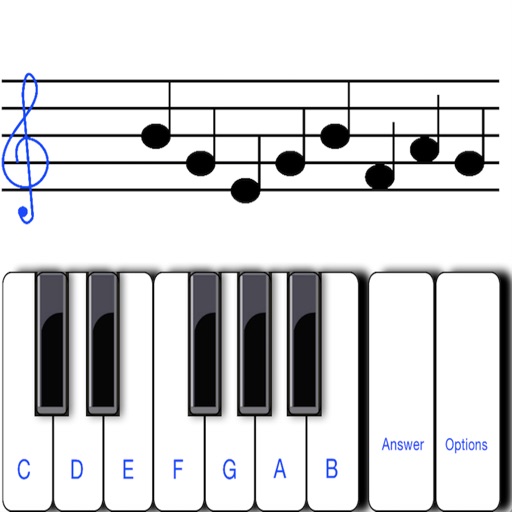
The app helps users learn musical notation by displaying random notes for users to identify. It includes a reference for brief notes and offers customizability for user study.
Allows users to access music files stored on their PC, Mac, network drive, or Time Capsule. It scans and organizes music libraries, enabling playback on iOS devices without syncing. Users can browse and play tracks directly from their local storage.
View real-time Twitter, Facebook, and Instagram feeds from University teams and fans. Access scores, stats, and play-by-play updates for live games. Share game highlights and interact with the social media stream.
Stream Spanish music from New Mexico. Create playlists, skip tracks, and adjust volume. Access lyrics and artist information. Share songs via social media or messaging.
Videos to audio files with high-quality output. Play and control audio files using a professional music player. Share audio files via email or messaging apps. Create and edit playlists. Support background audio playback and device lock.
Teach music theory with note identification, fingerings, and rhythms. Track student progress and assign exercises. Include alternate fingerings in red. Motivate learners with quizzes and progress reports.
Practice with interactive exercises for ear training, sight-singing, rhythm, and vocal skills. Customize difficulty levels and track progress. Access a variety of musical exercises and receive instant feedback.
Split audio files into vocals and instruments using AI. Import audio or video files, screen recordings, or paste links. Export stems in various formats. Edit and rearrange tracks within the .
Play rhythm-based games with melody and rhythm modes. Choose between chill or challenge difficulty. Follow on-screen notes to score points. Miss notes to lose your part. Explore song charts and indie music tracks. Compete for high scores.
Create and produce music with beat-making, track composition, and sampling tools. Record and sequence audio and MIDI. Use high-quality UVI instruments and effects. Export mixes, stems, or project files. Share tracks on YouTube or SoundCloud.
The app offers a comprehensive browser for 152 chords and 162 scales, featuring staff notation, a notes quiz, and a symbol library. It includes a multi-touch piano and detailed views with intervals and descriptions for musicians.
The app lets users create music by drawing on the screen and playing instruments. Users can customize characters and remix songs with different instruments and tempo.
The app provides an interactive game environment to learn the Bass Clef. Users can master six levels at their own pace, choosing between alphabetic or Solfege notation.
To sight notes in G and F clefs. Practice notes across six octaves, including those above and below the staff. Randomly generated notes apply to any instrument. Switch clefs for varied practice. Beginners can limit octaves and set their pace.