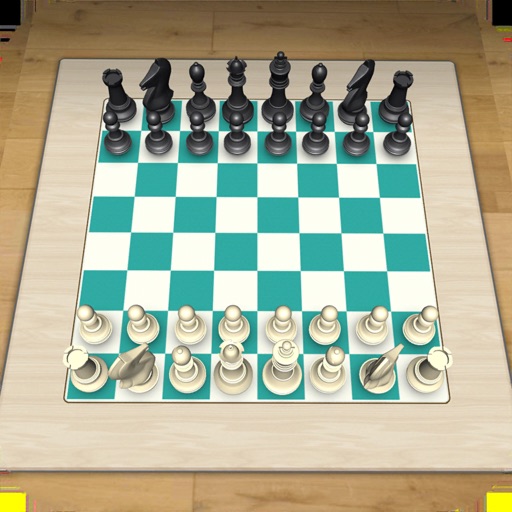
The app offers 10 difficulty levels for playing chess against a computer or a friend. It includes over 38,000 chess puzzles and supports online and LAN gameplay.
by 况 郭★ 3.274 ratingsGamesFreeData updated 2026-09-30
Play against AI opponents and bot challenges. Analyze moves with detailed game reviews. Track progress with personalized learning modules. Access a library of puzzles and lessons. Sync games across devices.
The app allows users to play chess with nearby friends using local WiFi. Each player views the board from their own device, supporting direct peer-to-peer connection without an account or internet.
Play with real-time multiplayer and offline mode. Find opponents of similar skill. Participate in tournaments and review game statistics. Analyze completed games and track progress. Chat with other players and receive move or message notifications.
Learn rules and strategies through structured lessons. Practice with 500 examples and 700 exercises. Track progress through levels to player. Study openings, middle game, and endgame techniques.
Practice with focused on specific themes like checkmates, sacrifices, and deflections. Customize puzzle difficulty and elo ratings. Solve problems to improve weak areas and track progress.
Play against friends or offline. Practice moves and track progress. Adjust difficulty levels. Share game results. Simple interface focuses on gameplay. Supports turn-based challenges and saves progress.
Play against friends or the computer. Choose from five difficulty levels. Use built-in tutorials and teaching aids to improve skills. Track game progress and challenge friends in competitive matches.
Play against a smart AI or another player. Solve puzzles to improve skills. Learn standard rules with beginner-friendly levels. Track progress and analyze moves. Share games and compete online.
Learn strategies for the Defense variations including Dragon, Najdorf, Scheveningen, and Richter Attack. Study 200 examples and 630 exercises. Analyze theory and playing hooks in critical positions. Track progress with interactive exercises.
Solve puzzles based on from a textbook by Sergey Ivashchenko. Identify critical moves with visual hints and feedback. View the piece to move after incorrect attempts. Track progress through structured lessons.