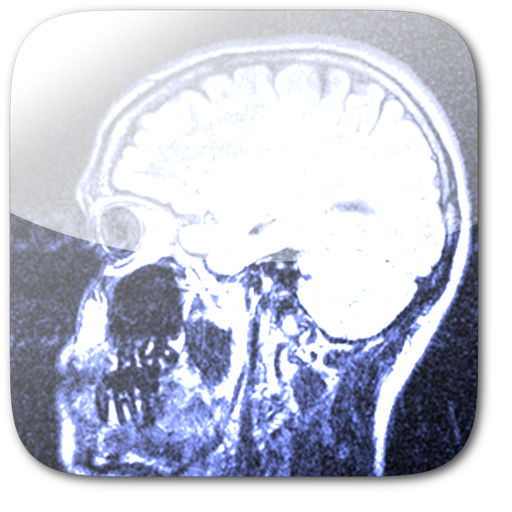
View and manage DICOM dental images captured by PanoACT devices. Zoom, pan, and adjust brightness and contrast. Compare images with synchronized controls. Save images and display DICOM tags.
by Life Sciences Computing Corporation★ 0.00 ratingsMedicalFreeData updated 2026-09-08
Edit photos using AI analysis to enhance natural features. Receive customized beauty tips based on facial analysis. Adjust skin tone, brightness, and contrast. Share edited images directly from the .
Magnify text and objects with adjustable zoom from 1x to 32x. Use AI to enhance clarity and detail. Adjust brightness and contrast for better visibility. Share magnified images directly. Sync with devices for consistent use.
View a live camera feed with dynamic rain ripple patterns. Tap the screen to add custom water droplets. Listen to ambient rain sounds. Adjust brightness and contrast settings. Save or share the live view as a photo or video.
View and navigate DICOM images from studies. Import studies via local sync using USB cable. Access DICOM CDs or flash memory. Transfer files through iTunes. No internet connection required.
Create custom quizzes using questions, clinical cases, and medical images organized into categories and difficulty levels. Manage quiz bundles and adjust training based on user needs.
Manage healthcare costs with prescription discounts, dental and vision care savings, and chiropractic . View plan details, access a free prescription card, and compare coverage options for medications and services.
APPAS SOLUTIONS, SOCIETATEA CU RASPUNDERE LIMITATA
Check appearance with -like clarity
View your face in a -like interface with adjustable zoom. Apply face filters and edit photos without saving. Save edited images to the iPhone gallery. Use enhanced filters to improve photo quality.
View DICOM and non-DICOM medical images and reports. Access radiology, cardiology, and 3D imaging. Support dermatology, ophthalmology, surgery, ultrasound, and endoscopy. Securely stream images via iOS devices.
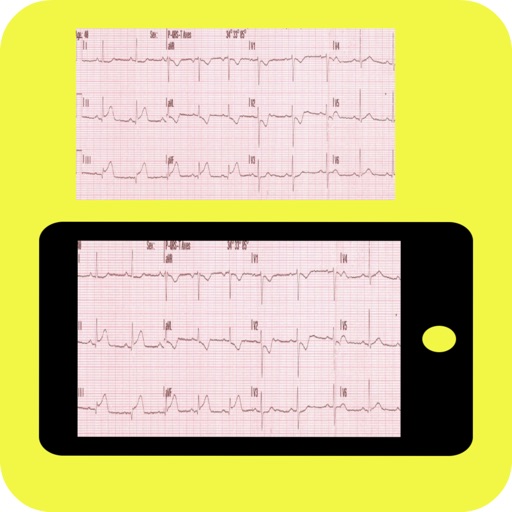
Compare user ECGs captured via camera to a database for instant interpretation. Display top 5 findings and similarity percentage. Focus on clinically significant ECG patterns.
View DICOM images stored on a 7 server directly on iPad, iPhone, or iPod Touch. Access radiologic images without transferring files. Use for patient education and explaining findings.
Use phone as magnifying glass for reading small text or viewing small items. Adjust image contrast, brightness, and color space. Switch between back and front camera. Apply black and white or invert filters.
Magnify text, images, and objects for detailed viewing. Adjust zoom levels and save captured images. Share magnified content directly. Enhance small font readability and capture high-resolution images.
View detailed anatomical images with labeled structures. Access descriptions of anatomical features. Explore correlations for real-world applications. Study using a regional approach aligned with textbooks.
Set personalized with custom messages and images. Choose time frames and frequencies for random notifications. Sync across devices. Include images to enhance the experience. Receive custom notification sounds.