The app offers real-time previews for adjusting parameters and applying film emulation filters. It supports full resolution and saving images in uncompressed TIFF format for sharper pictures without JPEG compression.
by Toshihiko Tambo★ 4.84 ratingsPhoto & Video$1.99Data updated 2026-09-30
Convert images to JPEG, JPG, or PNG formats. Support for multiple file types including HEIC, APNG, GIF, and WebP. Batch conversion of multiple images at once. Transparent colors in JPG conversions become white. No mention of name.
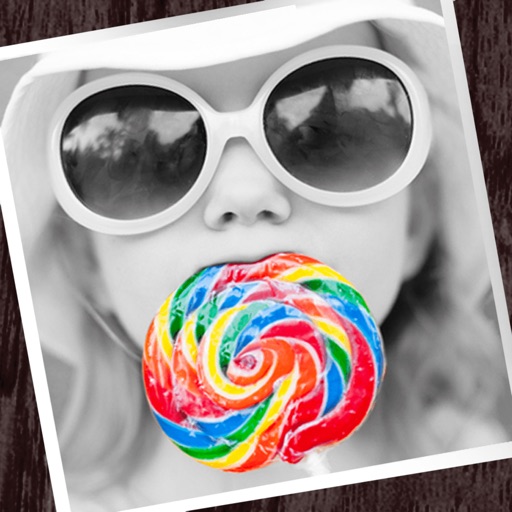
The app allows users to apply monochrome filters and effects to specific parts of an image by rubbing with a finger. Users can also reduce or enlarge images using a pinch gesture.
Videos recorded on iPhone, iPad, or other devices. Reduce file size for easier sharing. Allow users to manage storage space by minimizing file sizes without losing quality. Export compressed videos to social media or messaging apps.
The app allows users to capture long exposure, light trail, and low light photos. It offers features for adjusting exposure, creating motion trail effects, and modifying brightness, contrast, and color after shooting.
Edit photos with AI-based enhancements, sharpening, and colorization. Remove backgrounds and extend images automatically. Generate edited versions and create professional headshots. Estimate age and restore old black-and-white photos.
Enhance low-resolution photos with AI upscaling. Remove blur and noise for sharper details. Adjust brightness, contrast, and color. Save and share improved images in HD format. Restore vintage photos to high-definition quality.
Convert videos to formats like MP3, M4A, and WAV. Select a from your library and choose an format. Trim sections and save directly to your device. Supports MP4, MOV, AVI, and other types.
Enhance photos with AI-based clarity and detail. Remove blur and improve lighting. Edit vintage photos for modern clarity. Share enhanced images directly. Apply filters and adjust colors. Export in high-definition formats.
Create fisheye effects for photos and videos using ultra wide angle emulation. Adjust lens distortion and apply realistic fisheye styles. Capture 360-degree wide angle shots. Preview effects in real time and save edited content.
AI improves quality, fixes lighting, and sharpens details. AI Unblur converts pixelated or blurry images into clear high-resolution photos. Users can upload photos and apply AI-powered enhancements to restore old memories or refine portraits.