Apps Like Picture Collage Maker - Frames for iPhone and iPad
Create aesthetic photo collages easily.
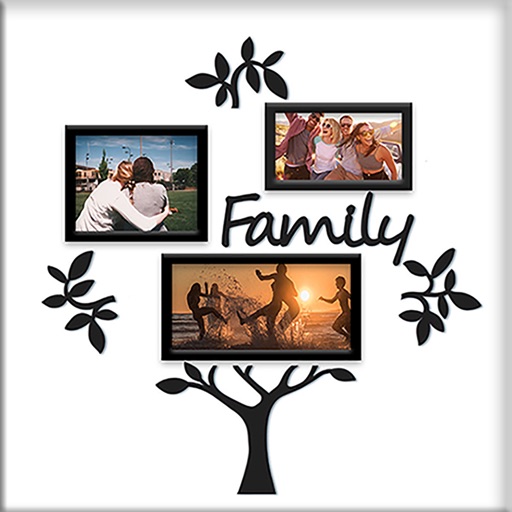
The app helps users create aesthetic photo collages, scrapbook memories, and social media designs using AI-powered editing tools and creative templates. Users can design Instagram posts, stories, reels covers, and more.
by pixel force private limited★ 4.419,883 ratingsPhoto & VideoFreeData updated 2026-09-30
The app creates unlimited collages with a single tap using a SmartSorting algorithm. Users can import photos, select modes, and apply various styles, text, backgrounds, filters, and stickers.
Create collages by combining photos into -shaped frames. Apply filters and adjust colors. Share collages directly or save in various formats. Organize memories in a single album.
Edit photos and videos with AI-generated anime styles, including facial enhancements and background effects. Apply filters, adjust colors, and add animated elements. Export edited content in various formats and share directly.
The app allows users to create photo and video collages with customizable layouts and enhancements. Users can add text captions, filters, and borders, and import media from various sources.
Create collages by selecting photos and applying various . Choose from different frame styles to customize the layout. Adjust image positions and sizes. Save and share the final .
Apperto Bilgi Teknolojileri Ticaret Limited Sirketi
Create videos, stories, and reels quickly
Create videos, stories, and reels with drag-and-drop tools and pre-designed templates. Add text, stickers, and music. Export in various formats and share directly to social media platforms.
Create collages by importing images from the camera roll. Combine photos using hundreds of . Adjust and rotate individual images. Add text and artwork with Pro. Share collages on Instagram.
Create collages by combining multiple photos into layouts. Choose from 50+ grid styles and tree or 3D modes. Edit photos with cropping, filters, and text addition. Share finished collages directly.
Create collages by mixing and arranging photos, rotating, and moving them freely. Add text, stickers, and backgrounds with customizable fonts, sizes, and colors. Draw or write on photos using a doodle tool. Export and share finished collages.
Edit photos with filters, contrast, brightness, and color adjustments. Add text, stickers, and drawing tools. Customize images and landscapes. Export in high quality. Access a free image library. Apply advanced editing features.
Create Instagram feeds and stories with customizable templates. Adjust layouts, add text, and apply filters. Export posts and stories directly. Sync with Instagram for seamless sharing.
The app allows users to create and edit designs with text, elements, and filters. Users can design social media posts, greeting cards, and add logos to their creations.
Create collages by combining multiple photos from the gallery. Choose from various frames and themes. Apply filters to enhance images. Share collages directly to social media platforms. Edit individual photos with cropping and adjustment tools.
Allows trimming, cutting, and adding effects to videos. Collage lets arrange multiple photos into grids or layouts. Slideshow creates timed photo presentations with music. Photo offers filters, cropping, and text tools.
Create collages by combining up to 16 photos. Choose from 250+ templates. Import and resize photos. Customize with backgrounds, frames, stickers, and text. Adjust angles and select from various fonts and colors.