Apps Like Picture Collage Maker - Frames for iPhone and iPad
Create aesthetic photo collages easily.
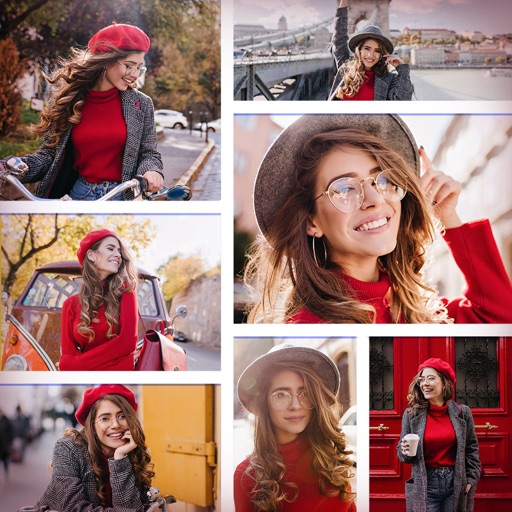
The app helps users create aesthetic photo collages, scrapbook memories, and social media designs using AI-powered editing tools and creative templates. Users can design Instagram posts, stories, reels covers, and more.
by pixel force private limited★ 4.419,883 ratingsPhoto & VideoFreeData updated 2026-09-30
Edit photos with filters, overlays, and effects. Create collages and visual stories. Track pregnancy milestones and growth. Add text and stickers to photos. Share edited images directly.
Create collages by combining up to 9 photos. Select from 200+ templates and customize them. Adjust borders and corners. Apply 29 filter effects. Add watermarks to protect photos. Use 3D Touch for enhanced interaction.
Create collages by combining up to 50 photos, including Live Photos, with simple taps. Choose from grid, seamless, waterfall, and Live layouts. Adjust borders, spacing, and ratios for customization. Export and share finished collages directly.
Turn photos into cartoons with AI-powered filters. Apply effects, add toon backgrounds, and combine drip effects. Edit layouts and create anime-style avatars. Share edited images on social media platforms like Instagram, Facebook, and TikTok.
Add flower and borders to photos. Edit images with cropping and brightness adjustments. Share edited photos with friends and family. Save and view edited images in the .
Create videos from photos, text, and existing videos using AI-powered tools. Customize professionally designed templates. Edit audio, add transitions, and apply effects. Share directly to TikTok, Instagram, YouTube Shorts, and marketing platforms.
Take selfies with a live beauty and apply custom filters. Create collages in 18 styles with masks and frames. Add spiral or neon effects to photos. Enhance and save library images. Capture selfies with a timer.
Create collages with up to 16 images. Rearrange photos and select from 200+ grid layouts. Adjust spacing, padding, and layout ratio. Apply filters to multiple photos or individually.
Edit photos by adding Christmas , stickers, and filters. Apply text with custom fonts and colors. Create greeting cards and save edits in high quality. Share photos directly on WhatsApp.
The app allows users to create picture collages on their iPhone. Users can arrange pictures in various styles, add text, and customize individual picture placement within frames.
Create collages by combining multiple photos and videos. Choose from , poster, or editor modes. Adjust layouts, add effects, and stitch content together. Edit images with filters, cropping, and text overlays.
Create AI-generated photos and pranks from selfies. Add playful effects and hyper-real filters. Generate AI boyfriend/girlfriend images. Apply aesthetic glow-ups. Share directly to social media platforms. Edit photos with AI-powered tools.
Edit photos with grid layouts, brightness, contrast, and saturation adjustments. Apply filters to enhance images. Create collages with multiple layout options. Export edited photos in various formats.