The app allows users to share photos and videos from their gallery with friends and family. Shared content appears in a time-based collage, merging perspectives from multiple users.
by Dayworks, LLC★ 4.88 ratingsPhoto & VideoFreeData updated 2026-09-30
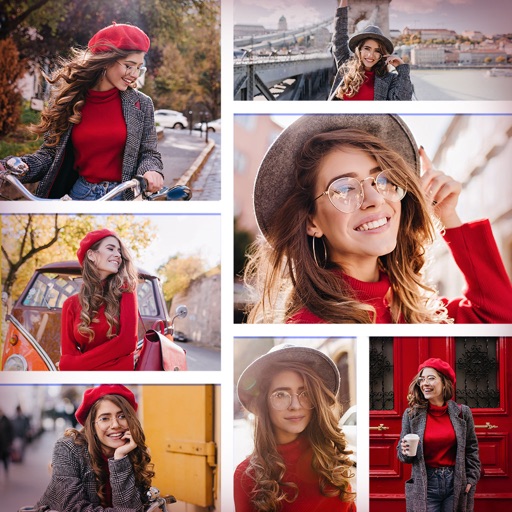
Create collages by combining multiple photos and videos. Choose from , poster, or editor modes. Adjust layouts, add effects, and stitch content together. Edit images with filters, cropping, and text overlays.
The app allows users to create optical illusions using their iPhone or iPod touch. Users can make their own magic images, edit photos from their gallery, or use provided images.
Create pet profiles with details and photos. Post images and videos to galleries or stories. Participate in weekly contests for prizes. Receive custom "paw likes" from other users.
Create animated videos from photos by applying effects to specific objects. Choose images from the gallery or take new photos. Apply transformations like explode, melt, crush, cake-ify, inflate, or squish. Export and share the final animated .
Videos, GIFs, and images from your gallery or shared links. Organize media with favorites, tags, and search. Watch content in-. Share media to other apps or send via share list.
Users can create and manage personal profiles, share photos and videos, and post text updates. They can follow others, comment on posts, and join groups based on shared interests.
And customize videos by trimming, cropping, rotating, and merging clips. Overlay videos to create introductions. Save edited videos to the photo library and rename or group them for organization. Share finished videos with friends.
Convert and to format without cropping. Select a background color and apply blur for background effects. Save the edited content to your camera roll for social media sharing.
Edit videos by extracting from Live Photos and combining with standard videos. Add background music and over 50 transition effects. Trim, crop, and edit text within videos. Share the final video directly.
Create stickers by drawing lines to separate objects from photos. Store and share stickers via social media or messaging apps. Use stickers to design collages and combine with photos for creative images.