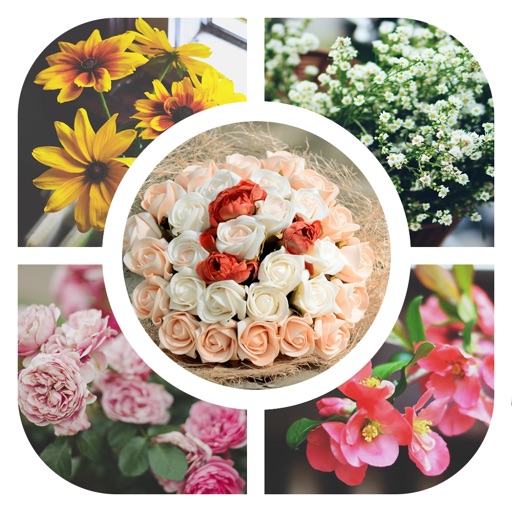
Create collages by adding photos from the library or camera. Choose from multiple frames like heart, round, and star. Adjust photos by moving, pinching, and rotating. Select different backgrounds or use a photo as the background.
by 志明 丁★ 4.419 ratingsPhoto & VideoFreeData updated 2026-09-08
Create animated GIFs from photos or videos. Adjust size, frame delay, and speed. Add text and stickers. Re-edit existing GIFs with customization options. Export and share finished animations.
The app allows users to create picture collages on a Mac. Users can choose from seven collage styles, customize sizes, add text, and adjust picture placement.