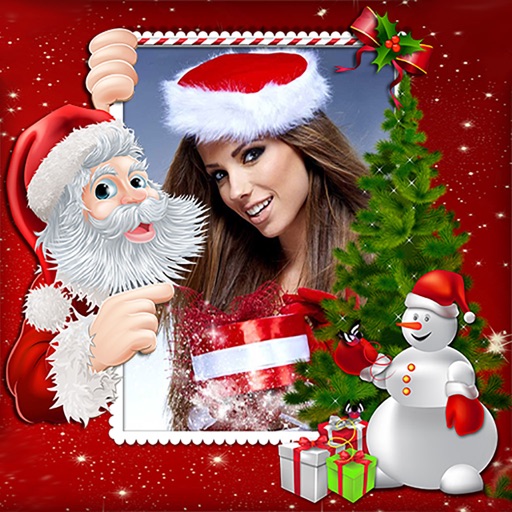
Create collages by adding photos from the library or camera. Choose from multiple frames like heart, round, and star. Adjust photos by moving, pinching, and rotating. Select different backgrounds or use a photo as the background.
by 志明 丁★ 4.419 ratingsPhoto & VideoFreeData updated 2026-09-08
Create portraits with vintage photographic effects. Apply four styles including B&W, color, high contrast, and sepia. Adjust eye intensity, grain, and depth-of-field. Supports portrait mode for enhanced background blur.
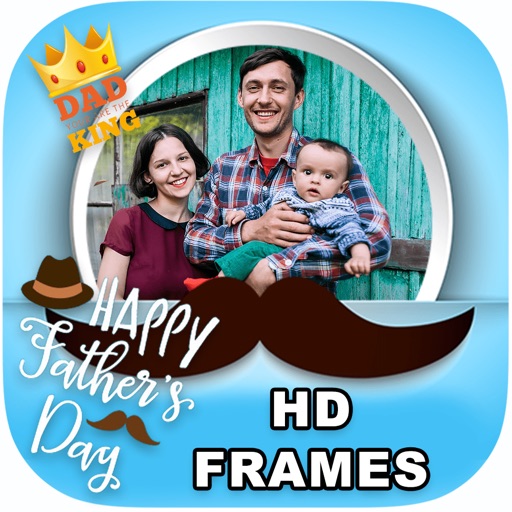
Edit photos by adding borders, special effects, and text. Choose from over 200 HD . Select images from gallery or camera. Save and share customized Day photos with friends and family.
Create collages by selecting photos and applying various . Choose from different frame styles to customize the layout. Adjust image positions and sizes. Save and share the final .
Create collages by adding personal photos and selecting from various . Design layouts with text, stickers, and effects. Export and share finished collages directly.
Edit videos by trimming, splitting, and merging clips with adjustable durations and transitional animations. Apply diverse filters and retouch photos. Add multi-layer subtitles with adjustable timing and customizable fonts.
Create pixelated photos with customizable frames. Apply blur and black-and-white effects. Adjust touch controls for creative effects. Choose from available frames or customize your own. Export and share the final image.
Create collages, stories, and posts from photos with 1000+ layouts and themed templates. Remix up to 20 images with editing tools. Apply filters, remove backgrounds, and add cutouts. Share directly to social media or save as files.
Edit photos with filters, cropping, and adjustment tools. Create collages using templates, grids, and layouts. Add text, stickers, and . Share edited photos directly.
Extract high-quality still images from videos or Live Photos. Select and edit frames with built-in tools. View and edited photos directly. Play videos from local storage or iCloud. Scrub through footage for precise frame capture.
Edit photos by adding customizable frames based on metadata themes. Choose or create frames manually if metadata is missing. Save and share framed photos directly.
Edit photos with diamond frame effects and star-like enhancements. Add creative effects to enhance images. Save and share edited photos directly. Apply various frame styles to personalize pictures.
Create collages by combining multiple photos and videos into framed cells. Add rounded corners, shadows, and patterns. Choose from 500+ adjustable frames. Use an easy color picker for customization.
Create and share short videos as animated GIFs or MP4. Capture frames with the or import photos, videos, or live photos. Apply real-time color filters, add text or frames, and record stop motion.
Create custom photo frames, books, and prints directly from your phone. Upload images and text to design layouts. Choose from various paper types and finishes. Order and track shipments. Share finished products via email or social media.
Create photo collages using over 200 frames. Select from photo frames or frames in the main menu. Edit photos with cropping, filters, and text. Combine multiple images into a collage. Record and edit videos. Add text and stickers to videos.
Create holiday e-cards by selecting from 40+ photo frame templates. Choose a photo from the gallery or camera. Apply effects to personalize cards. Save and share finished designs.
Combine photos into a single collage with 50+ layout options. Add exclusive stickers, backgrounds, and frames. Adjust layouts, crop, and rotate images. Include text to personalize and share the final design.
Custom with over 200 templates for home screen customization. Add photos to frames, resize, and position widgets. Share framed images via social media or messaging.
Create collages by combining multiple photos into a single framed image with captions. Add 2D and 3D effects. Share finished collages on social media platforms like Facebook, Twitter, and Flickr.