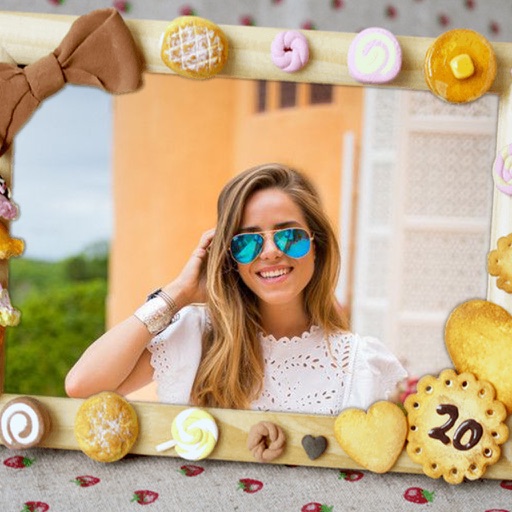
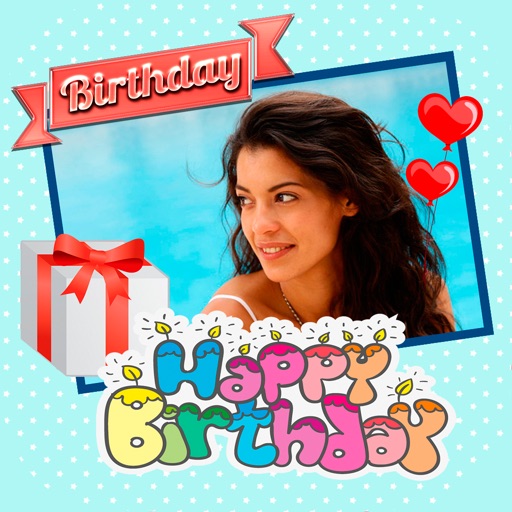
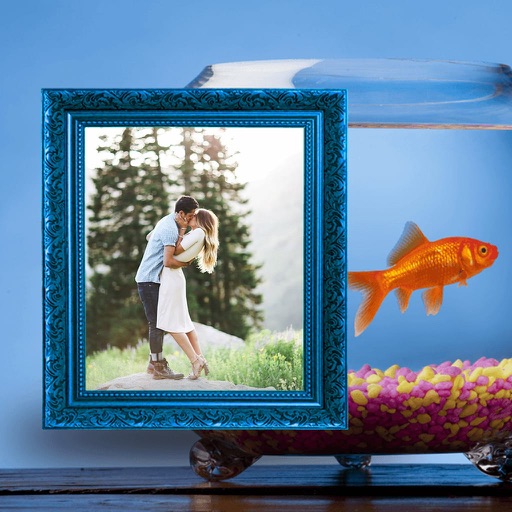
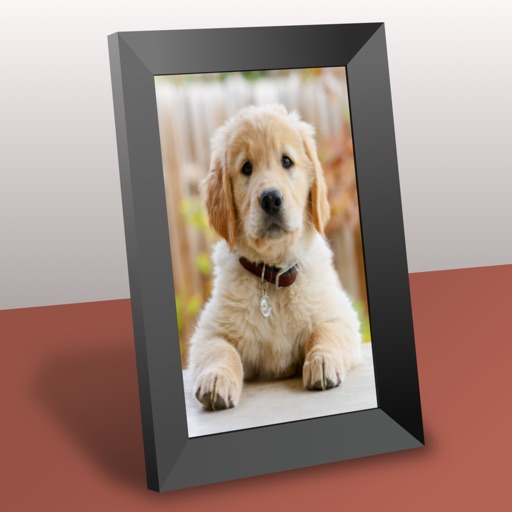
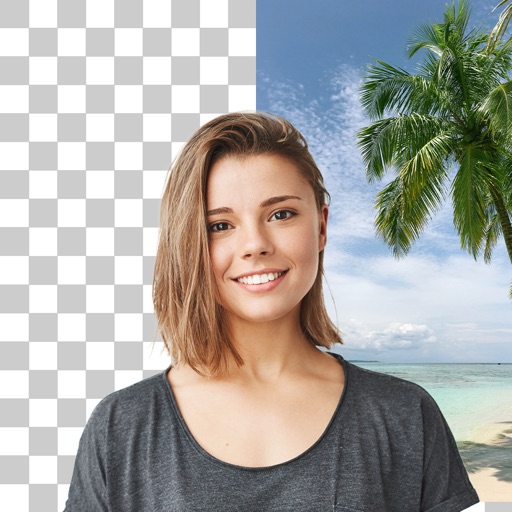
Create collages by adding photos from the library or camera. Choose from multiple frames like heart, round, and star. Adjust photos by moving, pinching, and rotating. Select different backgrounds or use a photo as the background.
by 志明 丁★ 4.419 ratingsPhoto & VideoFreeData updated 2026-09-08
Decorate photos with customizable and effects. Choose images from the gallery or capture new ones. Adjust position, size, and angle. Save, share, or upload photos to social media platforms.
Decorate photos with customizable and effects. Choose images from the gallery or capture new ones. Adjust position, size, and angle. Save, share, or upload edited photos to social media platforms.
Decorate photos with customizable and effects. Select images from the gallery or capture new ones. Adjust position, size, and angle. Save, share, or upload edited photos to social media platforms.
Edit photos by selecting from the gallery or capturing new ones. Apply various and effects. Adjust position, size, and angle. Save edited images and share via social media, email, or messaging apps.
Edit photos by selecting from the gallery or capturing new ones. Apply various and effects. Adjust image position, size, and angle. Save, share, or upload photos to social media platforms like Facebook, Twitter, and email.
Create collages by placing photos within each other for a picture-in-picture effect. Blend images seamlessly to combine multiple photos. Edit photos with filters, cropping, and adjustments. Add text, stickers, and artistic effects.
Edit photos by selecting from the gallery or capturing new ones. Apply various and effects. Adjust position, size, and angle. Save edited images and share via social media, email, or messaging apps.
Create photo collages using favorite images of loved ones. Mix and match photos on small, medium, or large widgets. Combine widgets to display up to 11 photos on one home screen. Access step-by-step video tutorials to guide creation.
Apply creative filters to layers including blend, mask, pointillize, frame, distort, and more. Stack and save filter templates. Add motion with transition and create videos using built-in tools.
Edit photos with cropping, filters, and adjustments. Remove unwanted objects or people using the Magic tool. Replace backgrounds to create montages. Create collages with pre-designed templates. Export edited photos in multiple formats.
Convert videos to high-quality images with frame extraction. Play videos with smooth playback and beauty enhancements. Edit and share them on social media or via email. Save edited to the camera roll. Manage exported photo files.