Explore mathematical concepts with colored representing numbers 1 to 10. Manipulate by adding, dragging, rotating, and removing them. Use snapping for alignment and optional grid for visual clarity.
by Brainingcamp, LLC★ 4.5108 ratingsEducation$1.99Data updated 2026-09-06
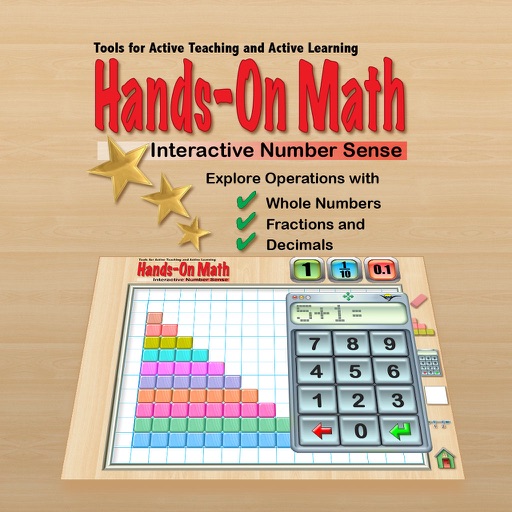
Create and manipulate two- and integer chips to model math operations. Use tens frames, grouping circles, and part-part-whole mats for visual learning. Flip, copy, and group pieces for hands-on practice. Display counts and totals.
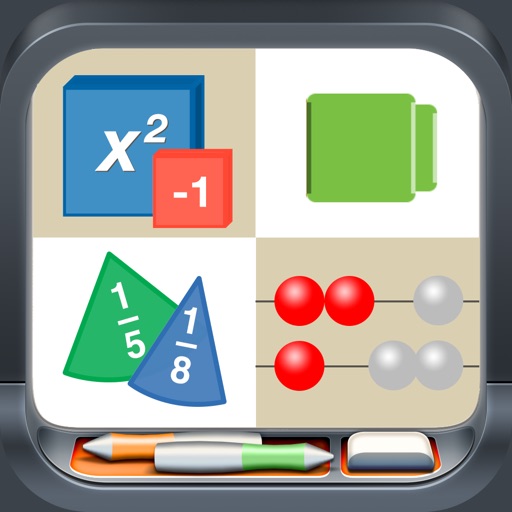
Access interactive math tools for hands-on learning. Use algebra tiles, base ten blocks, fraction circles, and pattern blocks to visualize concepts. Manipulate virtual objects to explore geometry, fractions, and coordinates.
Explore geometric shapes including hexagons, trapezoids, parallelograms, and triangles. Manipulate pieces by dragging, copying, rotating, and flipping. Group shapes and use snapping features for precise alignment.
Explore algebraic concepts using virtual for integers, expressions, and equations. Add, drag, rotate, and remove . Snap for alignment and cancel opposite pairs. Use workspaces for equations and factors. Annotate with pen tools and label elements.
Use like Algebra Tiles, Base Ten Blocks, and Fraction Circles to teach math concepts. Explore tools such as Geoboard, Number Line, and XY Coordinate Board for interactive learning. View and manipulate shapes with Pattern Blocks and Color Tiles.
Manipulate color-coded representing fractions, decimals, and percentages. Adjust label formats for fractions, decimals, or percents. Use snap alignment to connect . Explore walls and number lines for visual learning.
Calculate fractions with addition, subtraction, multiplication, and division. Convert fractions to decimals. Adjust recipe quantities for different serving sizes. Review math problems and convert measurements between cups and teaspoons.
Solve problems by collecting numbers through mazes. Adjust difficulty levels and select operations. Track progress and customize game settings. Share scores with friends.
LUNAPARK MEDYA INTERNET TEKNOLOJILERI SANAYI VE TICARET ANONIM SIRKETI
Solve problems step by step
Solve problems with step-by-step explanations. Scan equations for instant recognition. Provide solutions for arithmetic, algebra, and calculus. Offer detailed breakdowns of each step. Allow users to input problems manually.
Allows users to perform complex calculations with a natural display that shows expressions as written. It supports fractions, roots, and exponents. The includes a graphing module for visualizing equations.
Take photos of problems or input equations to get instant solutions. View step-by-step explanations to understand solving methods. Correct answers and detailed breakdowns are provided for homework assistance.
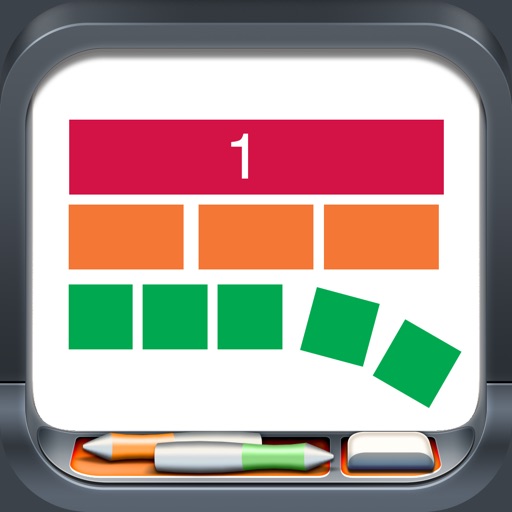
The app provides a virtual playground for students to explore mathematical concepts using colored number bars. Students can order, compare, add, subtract, multiply, and divide whole numbers, fractions, and decimals.
Manipulate colored pieces to explore basic to advanced concepts. Rotate and snap pieces together for alignment. View values as fractions, decimals, or percentages. Customize label formats and use rings with corresponding labels.
Solve problems by snapping photos and receiving instant answers with detailed explanations. Access a history log to review past problems. Get step-by-step solutions for algebra and other topics.
Calculate fractions by adding, subtracting, dividing, and multiplying. Convert fractions to decimals. Adjust recipe quantities for different serving sizes. Review math problems quickly and accurately.
Prepare for & Operations with over 500 questions and 50 revision notes. Take mock tests with mixed questions. Receive instant feedback on answers. Review incorrect responses and track progress.