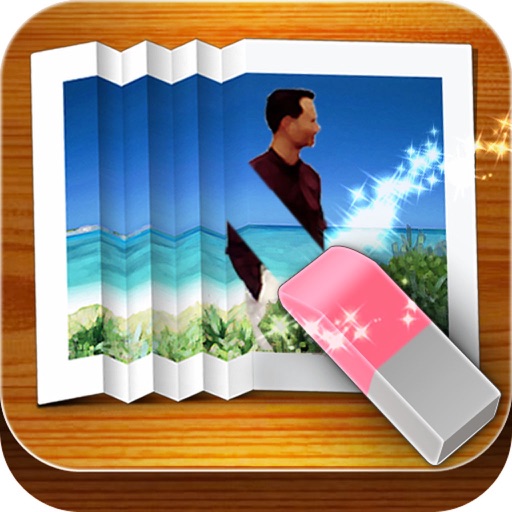
The app allows users to create original stamps from hand-painted illustrations. Users can then paste these stamps onto other images, adjusting their position and size.
by NORIHIKO HAYASAKA★ 4.52 ratingsPhoto & VideoFreeData updated 2026-09-30
Remove backgrounds from images using AI-powered tools. Select areas to erase and automatically cut out subjects. Export as transparent PNG files. Adjust edges and refine results manually. Share edited images directly.
Edit photos in batches with filters, duotone effects, and tools like selective hue and curves. Adjust multiple images at once. Import up to 25 photos. Save edited images in preferred formats and sizes.
Create and manage albums. Import and export from the photo . Preserve and view Exif data including date, ISO, and GPS. Search by caption or description. Create slideshows and play videos. Edit with cropping, orientation adjustments, and filters.
Faces between two photos by selecting them from the camera roll or camera. Process the and share the result. Use editing tools to crop, add images or text, draw, scale, rotate, and delete objects. Apply animations and customize colors.
The app removes unwanted objects like logos, text, or people from photos. It fixes imperfections and repairs images automatically, making them appear as if the objects were never present.