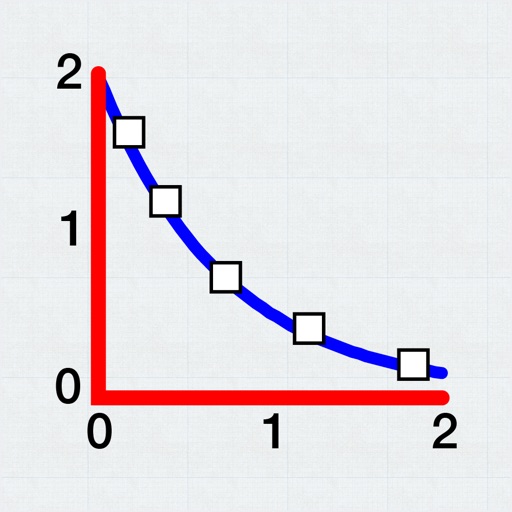
Calculate linear interpolation and extrapolation between data points. Input values to determine corresponding results. Display the linear equation based on provided data. Perform calculations with a minimal interface.
by Smitesh Bakrania★ 5.03 ratingsEducationFreeData updated 2026-09-08
Solve problems by scanning equations or handwritten input. Receive step-by-step solutions and detailed explanations. View graphs and additional information. Complete homework and track progress.
Allows users to plot and fit x, y data pairs. It supports curve fitting, value prediction, and kinetic data analysis. Data can be entered manually or imported from text or CSV files. Users can perform statistical analysis and generate graphs.
Offers 97 calculators and 28 converters for , civil engineering, and structural engineering. Users can calculate pressure, forces, and absolute pressure. Switch between USCS and SI units.
Solve equations and simplify expressions instantly as you type. Create and manipulate variables and functions with few keystrokes. Edit Markdown text to explain calculations and ideas. Share results and export calculations in various formats.
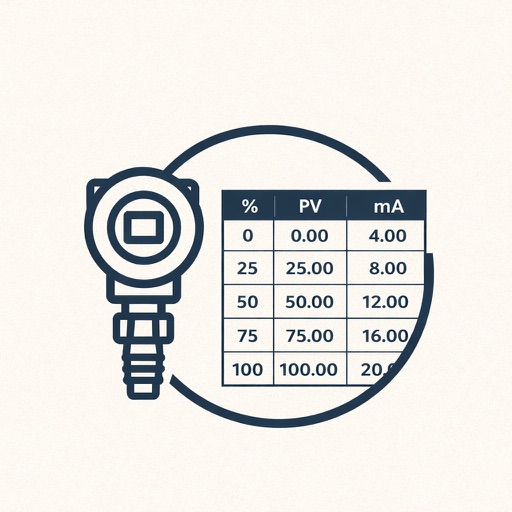
Look up values in tables with interpolation across two or three rows. Calculate interpolated results without a calculator. Used for tank calibration tables and other table-based data environments.
Calculate based on dimensions and material type. Input length, width, and thickness. Select grade for accurate results. Export calculations and share data directly.
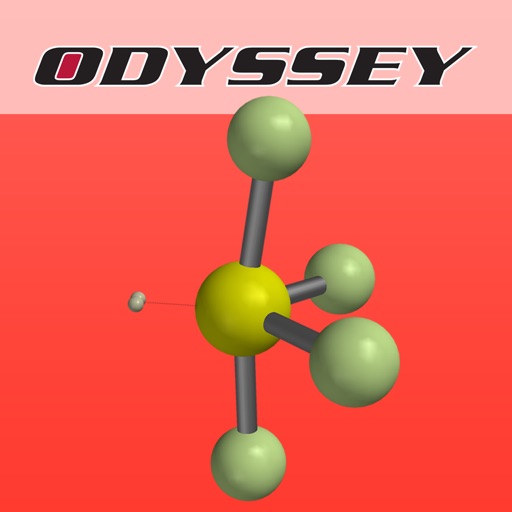
Explore molecular geometry using . Learn why molecules like CO₂ and HCN are linear while H₂O and SO₂ are bent. Compare bond angles and electron pair arrangements. Visualize molecular shapes and understand repulsion effects.
Perform calculations with over 225 built-in operations including trigonometry, logarithms, complex functions, and real numbers. Scroll through the stack with finger gestures. Copy and paste results. Work with real and complex numbers.
Solve problems by snapping photos. Receive step-by-step explanations and multiple solving methods. Access interactive graphs and a scientific calculator. View how-to animations for each solution.
Calculate equivalent dose (EQD) and biologically effective dose (BED) using formulas for radiotherapy. Input parameters such as dose per fraction, total dose, and fractionation scheme. Display results instantly. Save and export calculations.
The app measures reverberation time (RT60) using Impulse and Interrupted Noise methods. It calculates RT60 based on RT20 and RT30 decay slopes and allows data export.
Calculator displays calculations in real-time and saves a history accessible by swiping up. It handles fractions, converting between proper, improper, and mixed formats. It supports degrees, minutes, and seconds for angle input.
Access a library of universal symbols with HTML code support. Copy symbols from ISO-8859-1, HTML, or special categories. Edit equations directly in the equation editor and copy formatted results.
Enter and edit equations in mathematical notation. Visualize 2D and 3D graphs of explicit, implicit, and inequality equations. Adjust settings for display and analysis. Save and share calculations.
Calculate factors for structural designs. Input material properties and loads to determine stability. Generate reports and save calculations for future reference.