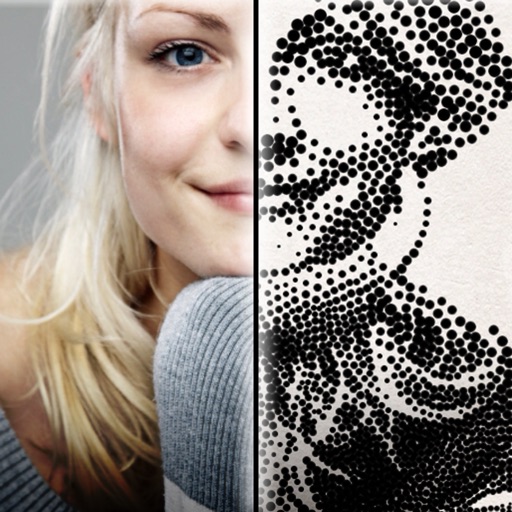
The app creates customized professional stipple drawings from photos using easy editing tools. Users can adjust contrast, brightness, and the number of dots to transform photos into unique works of art.
by Dotwerx LLC★ 4.639 ratingsPhoto & VideoFreeData updated 2026-09-30
To create by painting shapes that generate melodies. Choose from various instruments and adjust sound parameters. Export audio files and share creations. Sync with Apple Health to track creative sessions.
The app allows users to draw on a blank canvas or import photos. Users can add stickers, text, and shapes, choosing from various brush colors and sizes to create unique artwork.
Edit photos with AI-enhanced upgrades, color balancing, and lighting adjustments. Retouch skin and remove blemishes automatically. Adjust exposure, contrast, and clarity with one tap. Export edited photos in high resolution and share directly.
The app offers layer-based photo editing with unlimited layers. Users can add textures, typography, artwork, masks, and adjustments to personalize images.
Explore augmented reality art exhibitions in real-world locations. Discover site-specific AR artworks by artists. Navigate to artworks based on location. View interactive installations through the device camera.
Apply Lightroom presets to enhance photos with filters, adjustments, and effects. Choose from urban, vintage, winter, travel, and portrait presets. Export edited images directly from Lightroom.
Access and edit royalty-free images and vectors. Add text, stickers, and effects to images. Share edited content on social platforms. Edit for personal or commercial use without copyright restrictions.
Edit photos with cropping, resizing, and removal tools. Apply filters, adjust colors, and add text overlays. Export images in various formats and share directly to social media or online stores.
The app offers tools to improve and enhance photos with features like brightness, contrast, and saturation. Users can apply various filters and effects, and also create and purchase canvas prints of their images.
Create digital art or doodles on photos with advanced painting tools like 3D-Shaded , Halo , Plasma Chain , and Translucent . Use Lighten and Darken tools to add depth. Adjust stroke size based on finger pressure. Export artwork in various formats.
Create directly from your device. Select from common photo formats like 4.5x3.5 cm and 2x2 inch. Customize ID dimensions. Save, print, or share for documents and passports.
Create handwritten greeting cards using Apple or real pen input. Add photos, text, and embellishments. Customize card layouts and save or share finished designs.
Create drawings in real-world environments using augmented reality. Select from various brushes and stroke styles. Annotate scenes with text and shapes. Share finished artwork directly to social media.
Apply infrared-style filters to photos for a surreal, desaturated look. Adjust color balance and contrast to enhance the film-like effect. Share edited images directly or export in various formats.
Upscale images to 2x, 4x, or 6x resolution using AI. Adjust colors, brightness, and contrast with HDR. Customize output settings and save or share enhanced images.
Create collages, cards, and albums using photos. Select from hundreds of templates and customizable grids. Add backgrounds, frames, and text. Edit images with cropping, filters, and adjustments. Share finished projects directly.