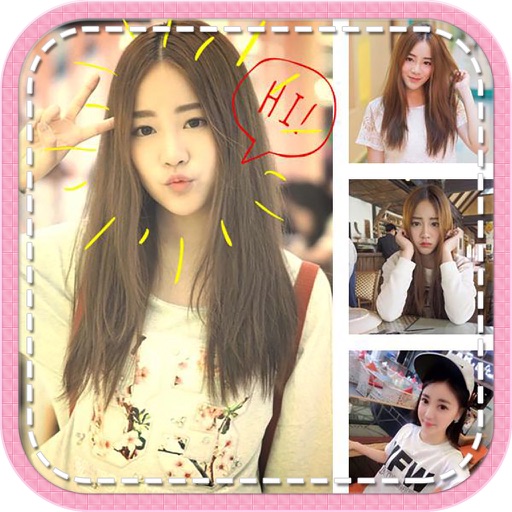
The app allows users to create custom collage layouts with multiple images or choose from premade layouts. Users can add text in straight lines or curved around shapes, and use selected images as backgrounds for other images.
by Rhonna Farrer★ 3.548 ratingsPhoto & Video$1.99Data updated 2026-11-04
Create and affirmations by adding text to customizable backgrounds. Design motivational posters or add text to photos. Choose from various fonts, colors, and layouts. Share finished designs directly to social media or save for later.
Create collages with and romantic . Add flower and symbol stickers. Include text options for messages. Set as live wallpapers with animated stars. Decorate photos with touch interactions.
The app allows users to select photos from their gallery or camera. Users can move, zoom, pan, rotate, or mirror each photo, and add effects, frames, text, and stickers.
The app allows users to create picture collages with various styles like Picture Pile, Picture Grid, and Mosaic. Users can add text, exchange pictures by dragging, and pan or zoom individual images within frames.
Create collages by combining multiple photos with patterns and grid layouts. Add stickers, text, and cool fonts. Edit photos with cropping and adjustments. Share finished collages directly.
The app allows users to customize the look and feel for event guests. Users can define their own welcome screen, choose collage layouts, and set filter effects on images.
Create collages using 100+ adjustable layouts. Customize with gesture controls and regulation bars for precise adjustments. Choose from beautiful backgrounds and filters. Edit photos with cropping and ratio adjustment tools.