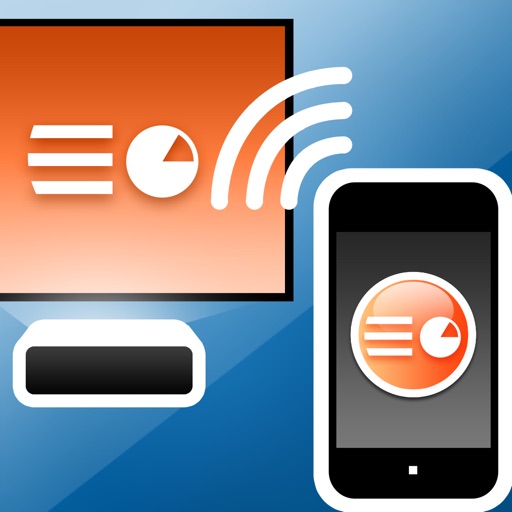
Enable wireless presentation by sending slides and videos from iPad to Mac. Control slide transitions with on-screen buttons. Switch between full-screen and window mode using arrow buttons or ESC.
by Shanghai ChangeTech Co. Ltd.★ 0.00 ratingsProductivityFreeData updated 2026-09-08
View schedules, presentations, exhibitor info, and speaker details. Take notes during presentations and draw on slides. Share notes and messages with attendees and colleagues.
Turn iPad into a for real-time annotations. Project PDFs and images to a computer via local network. Annotate live during presentations. No subscriptions or additional software required. Share annotated content directly from the browser.
View abstracts, presentations, speakers, and exhibitors from the IMS event. Take notes on slides and draw directly on them. Share information via in- messaging, email, and social media.
View schedules, presentations, exhibitors, and speaker details. Take notes on slides, posters, and exhibitor information. Draw directly on slides. Share notes via in- messaging, email, or social media.
Turn iPad into a wireless whiteboard by projecting live sketches to a local computer. Draw on iPad and view sketches in real-time on an HTML5-compatible browser. No dongles, cloud services, or plugins required.
Access event presentations, view exhibitor information, and connect with attendees. Take notes on slides and draw directly on them. Sync notes with event apps for later review.
Access event presentations, exhibitor information, and attendee connections. Take notes on slides and draw directly on them. View session details and manage event participation.
Browse meeting presentations, speaker details, and exhibitor information. View session slides and annotate with drawings and highlights. Take notes per slide and save them online for later access through a personal summary.
The app connects to Mac computers from iPad, iPhone, and iPod Touch. It supports Retina display and offers features like a trackpad, virtual mouse buttons, and a functional keyboard with shortcuts.
Access event presentations, view exhibitor information, and connect with attendees. Take notes on slides and draw directly on presentation content. Sync notes with the event for later review.
Import and organize chords and lyrics from Dropbox, Google Drive, or SongSelect. View up to 30 songs in the free version. Share song sets with other users. Subscribe for more songs and advanced features.
Create and annotate live video or images with freehand sketches. Insert pictures, shapes, text, and labels. Record videos or screen captures and save to device photo library. Use picture-in-picture features for interactive demonstrations.
Use your iPhone to control on a Mac. Change slides in Keynote or PowerPoint. Draw remotely with color and tool options. Clear the screen by swiping left. Access flashlight by swiping right. Repeat last drawing action. Enable typing.
View conference schedules, speaker details, and exhibitor information. Take notes on presentation slides, posters, and exhibitors. Draw directly on slides. Share notes via in- messaging, email, or social media.