Learn to build complex redstone machines with step-by-step guides and over 1300 screenshots. Access more than 300 detailed instructions to create advanced mechanisms. View tutorials for redstone circuits, logic gates, and automated systems.
by riedel.wtf apps S.L.★ 4.7449 ratingsEducation$1.99Data updated 2026-09-08
Plan and track workouts with customizable routines for strength, muscle size, or weight loss. Access 390 exercises with animations and step-by-step guides. Set goals, log progress, and view detailed performance metrics.
Create custom capes using the cape maker tool. Choose from 100+ HD capes and 100+ beautiful wings. Access thousands of character including girls, boys, and werewolves. Subscribe for ad-free access and unlimited content.
By following step-by-step instructions for creating various shapes like boxes, flowers, and stars. Access detailed diagrams and high-quality photos of finished designs. Navigate a clean, easy-to-use interface for folding activities.
Access step-by-step guides on any topic. Search for articles across 150,000 how-to resources. Bookmark content for offline reading. View detailed photos and diagrams for better understanding.
The app provides users with crafting recipes for items within Minecraft. It includes categories such as tools, armor, weapons, food, mechanical items, dyes, fireworks, and potions.
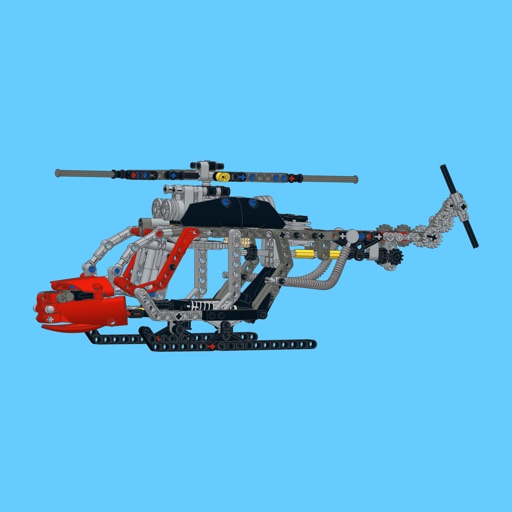
Build a using detailed step-by-step guides, part lists, and large images. Highlight new parts with a button. Follow similar to official manuals. Share feedback to help improve future MOCs.
Learn to draw with step-by-step . Bookmark favorite designs. Print blank templates via AirPrint. Prevent screen sleep with a lock button. Practice mindfulness during drawing sessions.
Browse and select add-ons, skins, maps, and textures for . Install packages with one click. Automatically download and install selected items. Launch the game directly from the .
Study for certification with practice questions on ECG rhythms, pharmacology, and clinical scenarios. Review quick-reference charts and megacode simulations. Access tutorials and practice tests anytime on mobile devices.
Access detailed survival guides with step-by-step instructions, diagrams, and images. Learn emergency prepping, foraging, first aid, navigation, shelter building, fire starting, and pet survival.
Scan and solve questions by capturing equations with the camera. Input problems manually for step-by-step solutions. Receive explanations and practice exercises tailored to specific topics. Track progress over time with detailed performance reports.
Learn drawing through step-by-step tutorials. Create and customize designs. Save and share artwork. Access drawing lessons for beginners and advanced users. Track progress and practice sketching techniques.
Build and customize PCs using real-world components. Learn to assemble hardware step-by-step with detailed instructions. Repair different PC models and manage component compatibility. Track progress and upgrade systems over time.