Use the camera to trigger a 3D animated "Kumamon" character that appears in the frame. Locate nearby Kumamon markers using the . Take photos with Kumamon and share them with friends.
by Kumamoto Broadcasting Co.,Ltd.★ 0.00 ratingsPhoto & VideoFreeData updated 2026-09-08
Overlay photos on the camera to match in real time. Apply like dreamy, vintage, or cinematic with one tap. Add text behind subjects for depth effects. Create and share edited photos directly.
Create photos with customizable frames and colored borders. Apply pre-designed borders to shapes. Choose from a variety of frame styles to enhance visibility and stand out on social media.
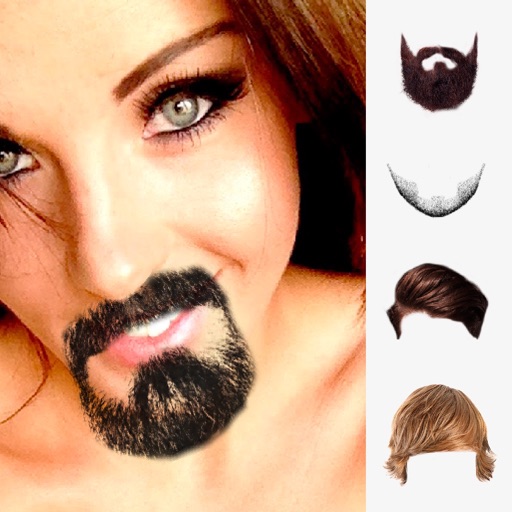
Take photos and add humorous to faces. Upload or capture images directly in the . Choose from generated styles. Share edited photos via text, Facebook, and Twitter. Use personal or celebrity images for fun.
Create -scan photos by capturing motion with a moving mode or still mode. Record at 240 FPS for 1920x1080 resolution. Use a 5-second timer for self-portraits. Share generated images directly with friends. Requires a stand or tripod for stability.
Take photos automatically at set intervals of 2, 5, 10, 20, or 30 seconds. Record slow-motion videos with image stabilization. Add or video widget for quick access. No ads during use.
Create custom frames for artwork with adjustable colors and textures. Batch edit and arrange multiple images. Choose from various frame types and scene backgrounds. Save and reuse templates. Add cardstock and衬纸 with customizable sizes and styles.
Edit photos by selecting from the gallery or using the camera. Add and adjust their position, size, and rotation. Crop images by dragging or scaling with two fingers. Share the edited photo directly.
Take photos using both front and back cameras simultaneously. self-portraits and surroundings in one shot. Edit images with basic adjustments. Share photos directly from the .
Apply to images and adjust positioning. Resize, rotate, and move photos freely. Save edited images directly to the gallery. No internet connection is required. Offers multiple frame options for creative customization.
Create tasks by taking photos or selecting images from the camera roll. Organize tasks into categories like work, personal, or shopping. View and manage tasks visually with associated photos.
Edit photos with light filters, including circle, frame, star, heart, glasses, and lines. Add text with customizable vector graphics. Apply coloring and create templates for creative artwork. Export edited images directly.
Convert videos to high-quality images with frame extraction. Play videos with smooth playback and beauty enhancements. Edit and share them on social media or via email. Save edited to the camera roll. Manage exported photo files.
Edit photos using presets, crop, straighten, adjust exposure, saturation, brightness, contrast, and shadows. Apply textures to enhance images. Save and share edited photos directly.
The app enables users to take high contrast photos based upon available light. It makes shooting discreet photos easier for capturing scenes without drawing attention to the camera.
Capture photos with filters and adjust sensitivity for creative control. Save and share edited images directly to device storage or social media. Use an intuitive interface to edit without technical barriers.
Capture photos with a vintage aesthetic. Apply pre-designed effects to mimic real tones. Use a simple interface to take instant photos without editing. Share finished images directly from the .
Create animated videos from photos by applying effects to specific objects. Choose images from the gallery or take new photos. Apply transformations like explode, melt, crush, cake-ify, inflate, or squish. Export and share the final animated .