Use the camera to trigger a 3D animated "Kumamon" character that appears in the frame. Locate nearby Kumamon markers using the . Take photos with Kumamon and share them with friends.
by Kumamoto Broadcasting Co.,Ltd.★ 0.00 ratingsPhoto & VideoFreeData updated 2026-09-08
Upload photos to generate AI-animated videos. Choose from multiple styles and themes. Add text and music to videos. Share finished videos directly with social media or messaging apps. Edit frames and effects before exporting.
Your face a 3D animated with realistic blinking, snarling, and fang display. Apply bloody effects and animations. Share transformed selfies. Access additional character transformations like werewolf and zombie.
Take photos or choose existing images. Adjust and crop the photo. Add holiday-themed objects like hats, trees, and glasses. Apply Christmas-themed effects and frames. Share the edited photo on Facebook, Twitter, or via email.
Edit photos with customizable romantic . Apply pre-designed themes for special occasions. Save and share edited images directly. Adjust frame styles and colors for personalization.
Upload photos from the gallery or camera to try on various styles. Browse nose, ear, lip, and eyebrow designs. Adjust size, position, and angle of each . Save or share customized edits.
Edit photos with customizable Day . Select images from gallery or camera. Apply effects for enhanced visuals. Share via Facebook, Instagram, WhatsApp. Save high-resolution images.
Adjust camera settings including exposure, focus, and white balance. Control shutter speed and ISO manually. Preview raw images and apply custom filters. Save and share edited photos directly.
Take photos with single-tap effects and professionally designed filters. Adjust brightness and contrast. Apply blur and focus. Rotate and crop images. Export edited photos in various formats.
Edit photos or by selecting from a gallery and applying a frame. Choose background music or a song. Adjust position, scale, and rotation with touch gestures. View and share the edited content with friends or social media.
Create 3D stereo wigglegrams using dual camera footage. Capture two images from different angles and combine them into an animated 3D effect. Alternatively, generate funny animated GIFs with two photos. Share the final output directly.
Create effects to enhance photos. Apply 40 tints and adjust images directly. Add photos from the album or take new ones. Save edited photos within the . Share images on Facebook and Twitter.
Remove objects, people, or distractions from photos using AI technology. Edit images to clean up backgrounds or eliminate unwanted elements. Save and share edited photos directly.
Convert static images into animated using AI. Choose from multiple models like Veo 3.1 and Wan 2.5. Upload photos or graphics to generate cinematic animations without editing skills. Export directly without requiring a credit card.
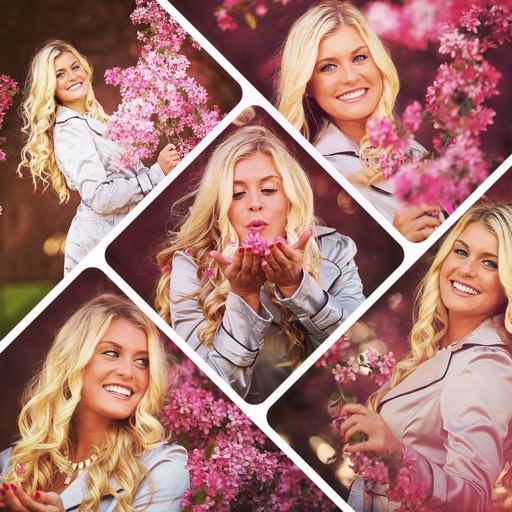
Create collages by combining multiple photos using various frame patterns and grid layouts. Apply over 1100 design styles to individual images or collages. Share finished creations directly from the .
Create pet using uploaded photos. Choose from styles like space, Frozen, cyberpunk, sheriffs, and van Gogh. Use as stickers or profile pictures on social media platforms. Subscribe to weekly style updates via in- purchases.
Create by selecting from various and adding photos from the gallery or camera. Adjust photos with zoom, rotate, and move gestures. Save and share customized greeting through social networks.