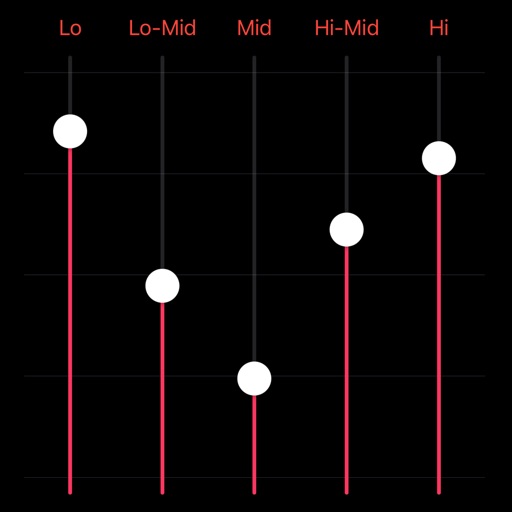
Adjust equalizer settings for precise sound control
Audio player with 16-band equalizer for custom sound adjustment. Users can set each band using a visual curve or graphic mode. Auto gain adjustment prevents distortion. Preset EQ settings match song metadata like genre or artist.
by Shigenori Ura★ 4.317 ratingsMusicFreeData updated 2026-09-08
Adjust files by changing tempo and pitch in real time. Select files, mark playback regions, loop, and adjust and pitch on the fly. Export modified files. Suitable for practicing instruments, transcriptions, and audiobook adjustments.
Turn your iPhone into a . Connect to audio devices for real-time voice playback. Apply voice effects and presets. Adjust equalizer settings for bass, mid, and treble. Use noise reduction for clearer sound.
Create and manipulate audio with a synth, varispeed stereo sample player, and multiple effects. Adjust parameters with dedicated LFOs. Use preset sounds or build custom effects with modular chains. Sync external audio applications.
Create and sequence sound patterns using 14 effects arranged in a matrix. Adjust parameters for each effect to shape audio. Generate loop collages and save custom presets. Export audio files for playback or further editing.
Record sounds via microphone and manipulate them live with pitch, distortion, and looping. Apply resonant filters, delays, and envelopes. Play sounds in stepped mode like a keyboard or free mode for microtonal effects.
Create audio visualizations with GPU-accelerated graphics and phosphor glow effects. Switch between linear and circular waveform displays. Choose from multiple color schemes. Tap to toggle controls. Sync with host or use as standalone .
Play Middle Eastern with over 300 rhythms from Egypt, Morocco, Iran, Turkey, and Greece. Adjust tempo and measure types including 4/4, 7/8, and 15/16. Layer sounds with Round Robin samples. Export performances and share files.