View metadata like play count, last played time, and comments. Access album art and track information. Display without requiring an internet connection.
by Felipe Diaz Martin★ 4.5205 ratingsMusicFreeData updated 2026-09-08
Custom widgets let users access Apple Music songs, , and playlists from the Home Screen. Replace default album art with personal photos or designs. Tap to play tracks directly from the widget.
Write ideas using a chord keyboard with automatic chord detection. View guitar chord diagrams. Transpose keys or use capo for tuning. Import memos from cloud or other apps. Share notes through various methods.
Create and customize songs using AI-generated lyrics, melodies, and vocals. Add instruments and adjust arrangements. Share creations with others and collaborate in real-time.
Track listening habits to identify frequently played and rarely played songs. Discover new artists and albums based on playback data. Automatically sync current songs with one tap using six different modes.
Listen to songs with daily Bible verses displayed after each track. Mark listening days to build a habit. Use a timer for daily reminders. Access a playlist for continuous playback. Track progress and review verses.
Listen to live oldies from , a student-run station at Jefferson High School. Request songs to play. View current song title, artist, and album cover. Stream audio globally.
Import music from device storage directly into the . Organize tracks into playlists. Create and manage custom playlists. Sync playlists across devices. View song details and album art. Play, pause, and skip tracks. Adjust playback speed and volume.
Create music tracks using AI-generated melodies and rhythms. Choose from various genres and styles. Generate lyrics and compose songs with built-in tools. Export tracks in multiple audio formats and share directly.
Scan to listen to the notes in real time. Upload or capture printed and hear it played back in various instrument formats. Choose different playback options and adjust tempo or pitch as needed. Sync with devices to access offline.
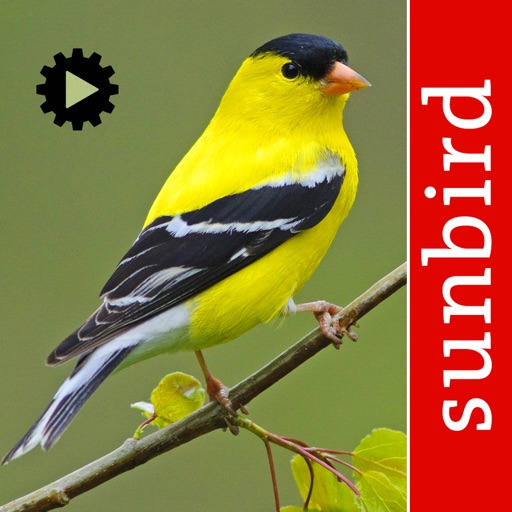
Identify by sound or image. Access detailed species information including calls, habitat, and distribution. View high-quality photos and range maps. Compare similar species. Save sightings and manage a personal bird list.
With step-by-step lessons and real-time feedback. Practice with smart games that listen and correct your playing. Access over 14,000 and follow structured lessons to build skills progressively.
Adjust equalizer settings for precise sound control
Audio player with 16-band equalizer for custom sound adjustment. Users can set each band using a visual curve or graphic mode. Auto gain adjustment prevents distortion. Preset EQ settings match song metadata like genre or artist.
Create from text, lyrics, or images using AI. Generate cover versions of songs. Build full tracks by humming or singing melodies. Edit and export audio files. Collaborate in real-time with others.
Play drums with four different sets: Standard, Hip-Hop, Electro, and Industrial. Sync with music to play along. Record performances. Compatible with iPhone, iPad, and iPod Touch.
Download and store from services like Google Drive, Yandex Disk, Box, and Dropbox. Play without an internet connection. Access a clean, user-friendly interface for browsing and managing your library.
The app provides registered users with airplay data for songs on Dutch radio stations. Users can view song play counts over the last two weeks and see station-specific airplay information.
Explore music credits and metadata instantly. Search for artists, songs, and albums. View detailed information about songwriters, producers, and performers. Access Smart Sections for organized music data.
The app helps users identify birds by their songs and calls. It includes an audio reference library and an early version of automatic recognition for common species.