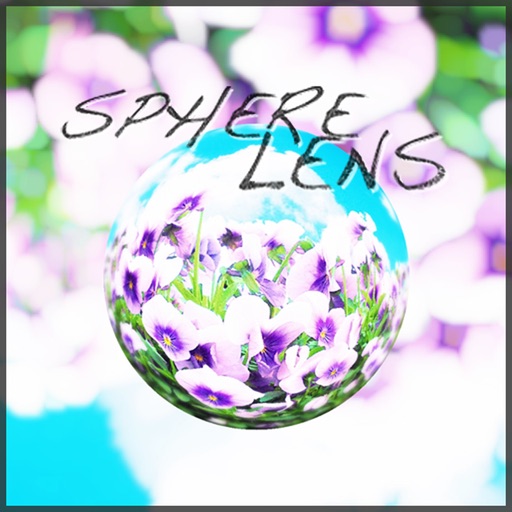
Create spherical lens effects to transform photos into 3D spheres. Adjust the size and position of the sphere within the image. Preview and edit the spherical effect before saving or sharing the final image.
by Salamander Factory★ 3.52 ratingsPhoto & VideoFreeData updated 2026-09-08
Edit photos to full size on Instagram . Stretch edge pixels to fill gaps. Choose from blur, mosaic, color, and pattern backgrounds. Take photos directly or import from gallery.
Take photos with color and sharp filters. Apply whiteness and beauty skin effects. Combine filters and colors for custom looks. Add contacts in 64 pattern colors. Use filters in both camera and alarm modes without charge.
Take black and white photos with live preview. Use colored lens filters and professional conversion settings. Adjust contrast, brightness, and exposure in real time. Add film grain and black vignetting. Export images to social media and email.
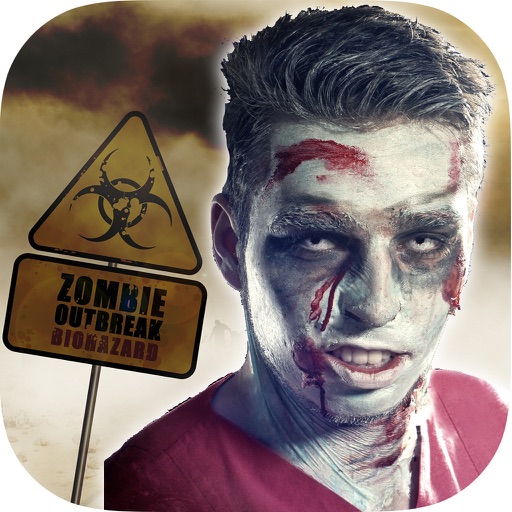
The app transforms user faces into various scary Vampire, Demon, and Zombie designs. Users can adjust effects on-the-fly and use finger gestures to rotate and resize them.
Capture photos and videos with a Glitter effect for enhanced visual appeal. Edit media from the gallery. Create kirakiragraphs from still images. Swipe left or right to navigate.
Remove from images using AI-powered auto cutout. Star mode enhances edge detection for precise erasing. Auto mode automatically deletes similar pixels. Export transparent images for use as in other apps.
The app allows users to view and photograph the world with a pixellated, low-resolution aesthetic. Users can achieve looks reminiscent of 80s graphic adventure games or NES titles with adjustable pixel sizes and classic color palettes.
Take black and white photos with live preview. Use colored lens filters and professional conversion filters. Adjust contrast, brightness, and exposure in real time. Add film grain and black vignetting.
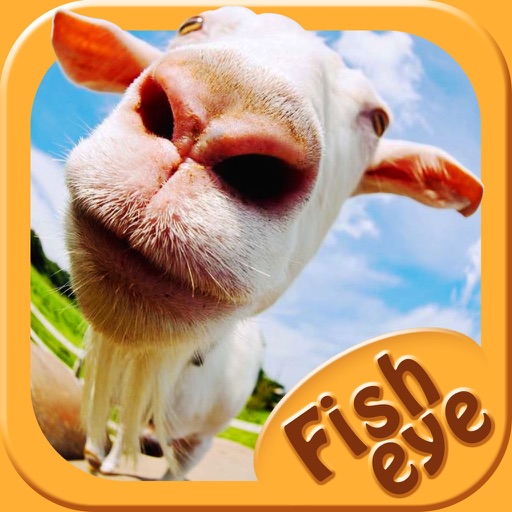
Capture photos a 178-degree fisheye lens for wide-angle . Apply 40+ filters and 8 ring textures for creative enhancements. Switch between lenses, filters, and textures for customized looks.