Configure joysticks or gamepads to simulate keyboard inputs, mouse movements, and clicks. Map axes and buttons to specific actions. Control apps and games without native support. Supports Xbox, Logitech, PS3, PS4, Steelseries, and Nintendo devices.
by Rodrigo Rocha★ 0.00 ratingsUtilities$4.99Data updated 2026-09-08
Control aircraft using click & go flight and joystick functions on an iPad. Preset flight courses and manage missions through the control software. Supports Bluetooth 4.0 iPad devices for wireless operation.
Control your Linux, Windows, or macOS desktop remotely. Access full screen mirroring with mouse and keyboard input. Use built-in VNC server for secure access. Manage devices and perform tasks from anywhere.
Control PTZ IP cameras with pan, tilt, and zoom functions. Manage security, live stream, or game footage setups. Adjust camera angles and settings remotely. View real-time video feeds and record footage.
Control aerial vehicles with joysticks and buttons to adjust speed, direction, size, and type. Fly , fighter jets, biplanes, and hot air balloons in AR. Pilot the hot air balloon with teddy bear crew.
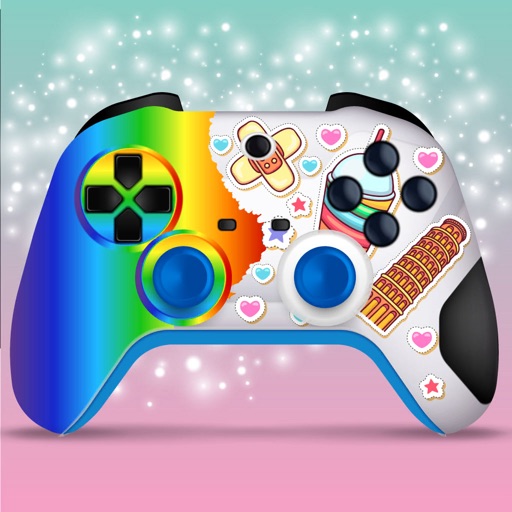
Create custom joysticks and gamepads by applying stencil art, spray paint, and color. Add stickers to unique controllers. Customize game interfaces with color and art. Save and share designs for personal use.
Create and customize characters with accessories, companions, and dance moves. Play in a shared virtual world with friends or AI characters. Explore interactive environments, complete quests, and engage in multiplayer activities.