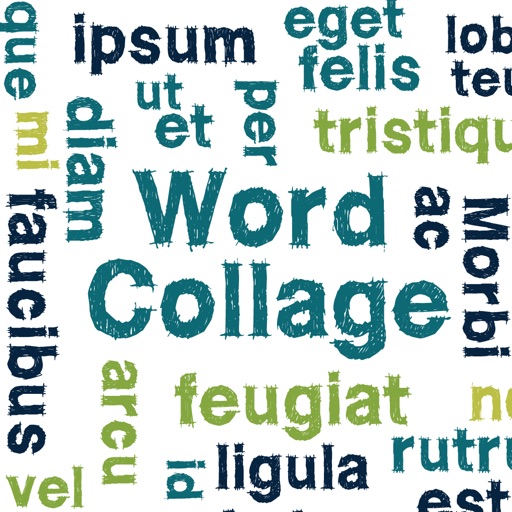
Create clouds by selecting color themes, fonts, and layouts. Choose from six layouts including horizontal, vertical, and half and half. Input text to generate clouds where common words appear larger.
by Alexey Tataurov★ 4.3147 ratingsPhoto & Video$0.99Data updated 2026-09-08
Edit photos with enhancement tools, effects, and color splash. Add stickers, frames, and overlays. Create collages and custom drawings. Crop, rotate, flip, and straighten images. Adjust brightness, contrast, and saturation.
Create collages using 1000+ layouts and effects. Edit photos with filters, split images, and adjust brightness. Add text, stickers, and templates. Share edited collages directly.
Create collages using photos and videos. Add text, stickers, and backgrounds. Include video clips in collages. Share finished projects directly. Edit images with cropping and filters. Save and export in various formats.
Create collages by selecting photos and arranging them in customizable layouts. Choose from 200+ frames and templates. Adjust colors, borders, and backgrounds. Edit photos with crop and enhancement tools.
Create collages by arranging photos in various layouts. Add text, frames, and effects. Compare before and after images. Export and share collages directly. Design split picture collages for social media or events.
Create collages by arranging photos in various layouts and adjusting their position, angle, and size. Apply unique filters and choose from rich typography styles and text stickers.
Create memes by adding captions to photos and videos. Use personal images or access a large collection. Make collages with layout tools and apply filters. Add inspirational quotes or comments to share stories and ideas.
Create collages by selecting from 1000+ layouts, grids, and templates. Add photos, adjust sizes, and apply filters. Share collages directly to social media or via email. Edit text, add stickers, and crop images within the .
Create color schemes using a fast generator. Organize palettes into projects and collections. Export as image or PDF, or share via link. Select colors from photos. Choose layouts to create collages with photos and palettes.
Shanghai Ruishixinyan Information Technology Co., Ltd
Aesthetics are productivity and lifestyle.
The app offers classic collage and video editing with multi-scenario templates and layout customization. It also provides trendy video kits and a signature design template library with various aesthetic styles.
Create collages with customizable layouts and shaped frames. Apply filters and edit photos. Add text, stickers, and signatures. Export and share finished collages.
Edit photos by adding speech bubbles with 15 styles and customizable colors and fonts. Create collages with comicbook-style layouts. Share photos directly from the . Drag, rotate, and pinch elements for editing.
Create videos by adding music, photos, and text. Generate collages and slideshows. Export in various formats and share directly. Edit with automatic transitions and effects. Sync with social media platforms.
Create collages using hundreds of templates, layouts, and design options. Add effects, text, and stickers to photos. Share finished projects directly to social media accounts. Edit images with cropping, filters, and adjustments.
Create collages by merging up to 20 photos with frames, stickers, and text. Adjust borders, add pattern backgrounds, and use shapes for flyers and posters. Share creations on Facebook, Instagram, and other social media.
Create collages by arranging photos, stickers, and text. Use dozens of templates and customize layouts. Add text with cool fonts and apply filters. Export and share finished collages.
Create images by arranging words into predefined shapes. Customize with color themes, fonts, and layout options. Adjust text processing to highlight frequently used words. Export and share the final design.
Edit photos and videos with grid layouts, templates, and customizable collages. Add exclusive stickers, backgrounds, and doodles. Create Christmas cards and share finished projects directly.