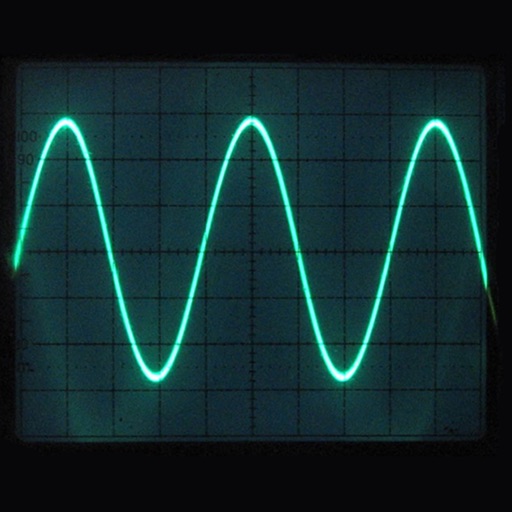
Displays waveforms with a grid and tick marks on the horizontal axis. Users can set time divisions per horizontal unit. The vertical axis has a solid and dashed line for reference. Users can adjust display settings and analyze waveform data.
by Hidetomo Katsura★ 0.00 ratingsUtilities$4.99Data updated 2026-09-08
Allows users to check horizontal and vertical alignment. Features include circle mode for simultaneous angle measurement, vertical mode for ensuring surfaces are straight, horizontal mode for flat surfaces, and mix mode combining all functions.
Learn through animated explanations and interactive simulations. Explore sorting techniques like Bubble Sort and Merge Sort. Dive into clustering and encryption concepts. Test understanding with Sim Mode features.
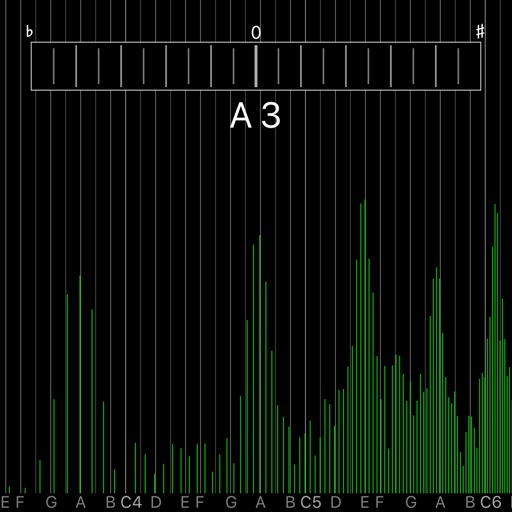
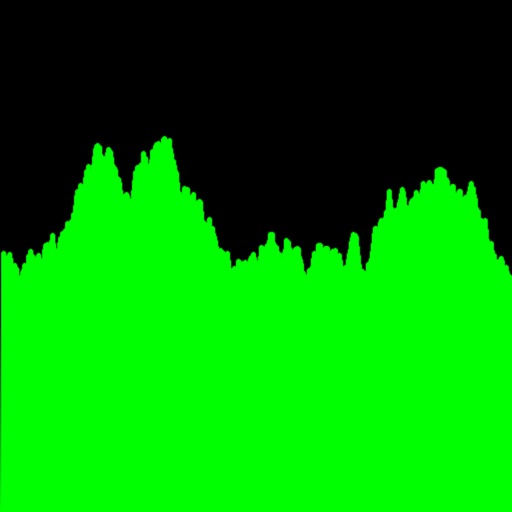
The app displays the spectrum of voice input from the device's microphone in real time. The horizontal axis shows a music scale, with the display range adjustable via pinch zoom.
Track behaviors, goal progress, and interventions with customizable modules. Use momentary time samples, frequency counters, duration timers, and interval timers. Share data and monitor progress across multiple users.
AUv3 is a virtual analog synthesizer with undo/redo, A/B comparison, and 2x/4x/8x upsampling. It includes macro controllers and a scalable GUI. Users can reload the demo version for repeated free play sessions.
The app generates test tones and frequencies using sine, square, and sawtooth waves. It supports frequencies from 20Hz to 22kHz and includes white and pink noise generation.
Record high-resolution audio in stereo or mono with support for 48kHz up to 24 bit. Share recordings directly. Adjust bit rate for longer playback or higher quality. Add digital branding flags. Compatible with built-in microphones and accessories.
Apply vintage effects to audio tracks. Adjust parameters like time, feedback, and modulation. Choose between analog-style filters and modulation types. Save and load presets. Export processed audio files.
The app displays audio frequencies up to 20 kHz on an iPad, iPhone, or iPod Touch. Users can adjust frequency span, FFT size, and apply filtering for smoothing.
Measure angles using your iOS device's camera and sensor. Adjust and calibrate measurements. Save and share readings. Display measurements in degrees, radians, or gradians. Switch between horizontal and vertical modes.
Create circuits using logic gates and basic building blocks. Wire components on a flexible plane. Simulate real-time behavior. Learn fundamental concepts of engineering and computer science.
Convert across categories with a modern interface. Navigate using sidebar and tab bar. Create multiple windows and drag items to new screens. Share data and access context menus. Includes a quick start guide and light/dark modes.
Interactive fingering charts for woodwind, brass, fret, and string instruments. Tap valves or keys to play notes. View detailed diagrams for flute, clarinet, guitar, violin, and other instruments. Sync with audio for note recognition.
Play videos in various formats with dual speed and orientation options. Stream audio in multiple formats with loop playback. View documents in different formats online. Download and organize files for offline use.