

Apps Like WaveWindow for iPhone and iPad
Place grid and tick marks on display
Displays waveforms with a grid and tick marks on the horizontal axis. Users can set time divisions per horizontal unit. The vertical axis has a solid and dashed line for reference. Users can adjust display settings and analyze waveform data.
WaveWindow screenshots
Ranked alternatives
Showing 501–520 of 1,000 ranked alternatives.





Case Files Orthopedic Surgery
Expanded Apps, Inc.
Practice orthopaedic cases offline
Practice orthopaedic with real-world cases. Review patient presentations, exam findings, and radiologic images. Test knowledge with -based questions and receive feedback on diagnostic and management decisions.

Learn Backend Web Development
Shahbaz Khan
Skills with code tutorials
With tutorials on PHP, Node.js, Python, Ruby on Rails, ASP.NET, Django, and Flask. Follow step-by-step guides to build websites and web apps. Access code examples and practice exercises to reinforce concepts.



Multi Task Timer Free
Piet Jonas
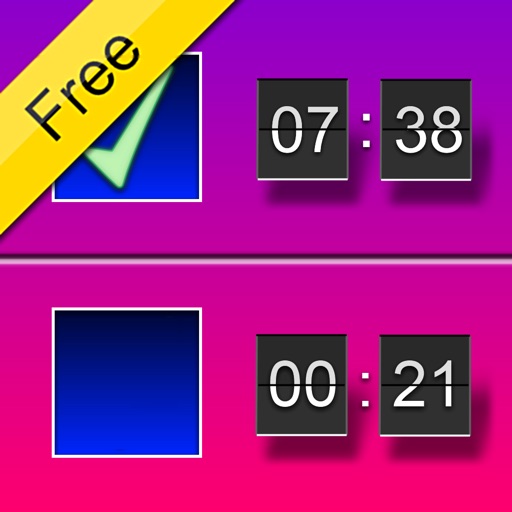
Monitor task completion with a deadline.
The app monitors task completion with a common deadline. It shows time left for each task and provides an overview of progress with horizontal bars.



parM@iler
partire Inc,.
Send receive and organize email messages
The app allows users to send, receive, and organize email messages. Users can set up rules to filter incoming messages and attach up to five files from the Photo Library.

MultiSens-1234
Sensos, LLC
Test drive sensors and plot waveforms
Test drive Machine Condition Monitoring sensors by connecting and plotting Time Waveform graphs and Vibration Spectrum in Acceleration, dB, and Velocity. Auto-calibrate to each sensor. Adjust sampling rates and number of samples for data acquisition.

Quick Camera
Simon Guest
Display USB web camera output.
The app displays output from supported USB web cameras. It supports mirroring, rotation, resizing, and placing the window in the foreground.
How we rank alternatives
Apps are ranked by functional similarity, category fit, rating confidence, and popularity.