Auto-resizes photos to fit ly on social media platforms. Scans photo library and adjusts dimensions for optimal display. Allows users to select and resize images directly within the .
by Simon Liu★ 3.01 ratingsUtilitiesFreeData updated 2026-09-08
Edit photos with filters, tools, and beauty effects. Adjust skin tone, add lashes, and apply contouring. Share edited images directly to social media platforms. Sync with beauty trends and access weekly new styles.
The app identifies and removes duplicate, similar, and large media files. It offers photo and video compression to reduce file sizes with minimal quality loss, helping users reclaim storage space.
Create collages from photos and videos for social media posts, stories, and thumbnails. Edit videos with trimming and grid layout options. Add blurred backgrounds without cropping. Share content directly to platforms like Instagram and TikTok.
Choose a photo from your camera roll or take a new one, then apply effects automatically. Select from various styles, adjust positioning, zoom, and customize edits. Save and share the final .
Edit photos with HSL adjustments for precise color control. Resize images to fit various frame ratios or remove frames. Add blur effects to backgrounds. Create collages from multiple photos. Apply filters, crop, and adjust brightness and contrast.
URL stores links, articles, and videos in an organized list. to Audio converts videos into MP3 or M4A files. Photo Background Eraser removes unwanted backgrounds from images. Edit photos with cropping, filters, and text.
Edit photos by applying textured overlays and effects. Choose from a variety of artistic filters and textures. Save and share edited images directly. View user-generated examples on Instagram.
Create drawings and sketches on customizable canvas backgrounds. Record sessions as videos. Share creations with friends. Choose from preset color palettes for different coloring styles.
Arthur Eduardo Skaetta Alvarez Desenvolvimento de Software LTDA.
Photos and save to albums
Documents and photos using the device camera. Save scanned images to the camera roll or organize them into albums. Automatically crop scanned images by detecting paper edges. Adjust brightness and contrast for clearer scans.
Turn photos into paintings with one-tap conversion. Edit, add signatures, and share on social media. Print artwork via CanvasPop with frame and size options. Transform videos into animated paintings.
Resize photos to format without cropping. Apply filters, add text, emoji stickers, and customize background effects. Share directly to social media platforms.
Edit images with drawing tools like rectangles, ovals, arrows, lines, and text. Add notes and highlights. Adjust colors and brightness. Save and share annotated images directly.
Predict how faces will look as they age. Upload photos to generate aged versions. Adjust aging intensity and style. Share results via email, messaging apps, and social media. Includes features like shaking to trigger aging effects.
Split videos into custom-length clips for social media . Upload to Instagram, Facebook, and other platforms. Avoid watermarks and time limits. Share content across multiple posts.
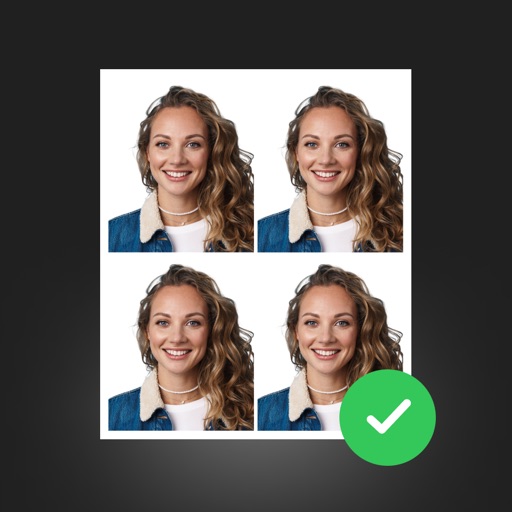
Create professional ID photos with AI tools. Automatically detect faces and remove backgrounds. Resize and crop portraits to fit official sizes. Support multiple countries' requirements. Generate printable -sized images for children and adults.
Print multiple photos on a single page by selecting images and defining individual print sizes in millimeters, centimeters, or inches. Choose a printer and start the process.
Create slide shows from photos with transitions and background music. Organize images, adjust photo duration, and add personal songs. Share videos on social media or save to the camera roll.