Calculate RF parameters such as impedance, wavelength, return loss, and signal delay. Convert between related values. Compare RF cable and assembly configurations. Access technical specs like insertion loss and power rating.
by HUBER + SUHNER AG★ 3.03 ratingsUtilitiesFreeData updated 2026-09-08
Turn your iPhone into a wireless mouse, , and touchpad for Mac or PC. Control cursor movement, type text, and navigate menus. Switch between devices and adjust sensitivity settings.
Distances between points or calculate area of locations. Draw paths on maps or tap to add points. Record movement automatically while walking, running, or cycling. Save measurements for later review.
View live IP streams and access security installer tools. Check network IP addresses and port forwarding status. Browse and purchase equipment, IP cameras, and security systems. Plan installations with project tools and manage settings.
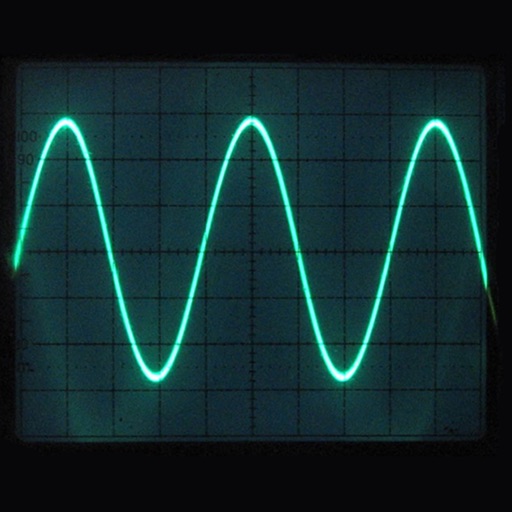
Oscilloscope mode displays real-time waveforms with automatic and single-shot triggering. Measures frequency, period, and amplitude automatically or manually. Spectrum analyzer mode identifies frequency components and amplitude levels.
Allows users to calculate electrical values with tools like Power, Delta-Wye, AWG, Voltage Drop, Ampacity, THD, Resistor Code, and LED Info. Users input component values to get results. The supports dark and light themes.
The app calculates resistor values for various attenuator networks including Tee, Pi, H, O, and Minimum Loss Pad. It adjusts resistor values to match standard tolerance values.
The app calculates RF link characteristics, including wireless internet links. It computes maximum distance, required transmitter power, or gain margin.
Photos and videos between devices using direct sharing or cloud storage. Support cross-device syncing for phones, computers, and external drives. Backup media files to multiple locations. Edit basic metadata and adjust formats for compatibility.