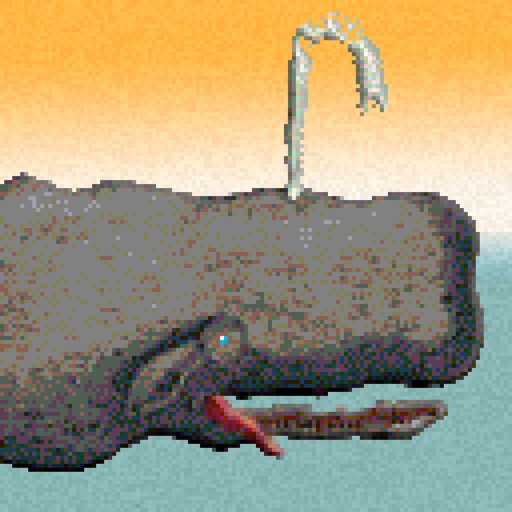
Create and edit pixel art with layers, filters, and animation tools. Adjust opacity and blend modes for complex compositions. Use high zoom levels for detailed work. Access color palettes and edit sprites for retro game design.
by Furnace Creek Software LLC★ 0.00 ratingsGraphics & DesignFreeData updated 2026-09-08
Edit photos with crop, rotate, exposure, color, sharpness, and resize tools. Create grid collages and edit individual images. Access presets, clone tool, and fine curve adjustments for detailed edits. Export and share edited photos directly.
Create art sprites and animations for game development. Draw with Apple Pencil for precise control. Animate frame by frame using a timeline and onion skinning. Export sprite sheets directly compatible with Unity, Godot, and GameMaker.
The app offers a fast and realistic painting, drawing, and sketching experience. Its painting engine utilizes the GPU for brush strokes with 64-bit color and sub-pixel precision.
The app offers a clean interface and clear canvas for creating pixel art. It includes features like onion skinning for game sprite creation and supports large canvases up to 4096x4096 pixels.
Apply true black-and-white dithering to photos and videos, creating pixel- visuals. Adjust color palettes to mimic vintage computer graphics or classic GIFs. Export transformed in various formats and share directly.
Create audiovisual content by importing from Files, SoundCloud, or video recordings. Customize visualizers such as audio spectrum, waveform, and synthwave sun. Add text, images, and gradients to videos.
Use the to project real-time grids and guidelines for precise . Adjust grid size, opacity, and angle. Import sketches or paintings for reference. Save and export artwork in various formats. Sync drawings across devices.
The app extracts colors from photos or camera snapshots to create palettes. It displays colors in HEX, RGB, HSL, and HSB, and allows users to copy codes or export palettes in various file formats for design projects.
Edit videos and stories with AI-powered tools. Add stickers, filters, and animations. Copy and paste assets between apps. Save media to camera roll for use in other editors. Organize favorites and apply styles with one tap.
The app allows users to remove and edit backgrounds of pictures. It offers smart and manual cutout tools, with options to move, zoom, rotate, and crop images.