Play audio files with speed control, pitch adjustment, and equalizer settings. Support remote control via compatible earphones. Adjust volume up to +20 dB. Cannot play iCloud or DRM-protected files.
by Shigenori Ura★ 3.422 ratingsMusicFreeData updated 2026-09-08
The app provides a collaborative music studio for teamwork on a single iPad. Users can create multiple layers of loops and phrases using multiple instruments, maintaining creative flow and capturing ideas.
Record and play back performances with and fast forward/rewind controls. Adjust pitch and fine-tune scrubbing. Export in 1080p. Upload to YouTube and share on Twitter.
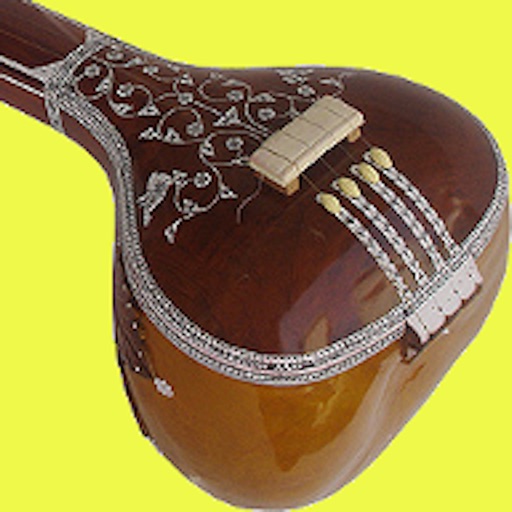
Simulate playing a with realistic sound and reverb. Adjust tone volume and pitch. performances. Access multiple configurations. Strike surfaces to create tuned notes.
Boost audio and clarity for music, podcasts, and files. Enhance for deeper sound. Adjust settings to customize audio output. Works with local and cloud-stored media.
Adjust audio settings and customize earphone controls
Adjust audio settings with noise control and equalizer. Choose codecs and set maximum volume. Customize touch sensor functions and select operation modes. Access the user manual for setup instructions. Ensure proper pairing before use.
The app provides a parametric equalizer with 10 frequency points and a 100 dB range. It allows for individual left and right channel adjustments and custom EQ presets.
Adjust audio playback and pitch independently. Play videos with zooming, sync subtitles for karaoke, and display images or text overlays. Change buffer size to prevent playback interruptions.
Create and manipulate sounds using two wavetable oscillators. Adjust waveform shapes and modulation parameters. Transpose sound spectra independently of pitch. Render waves with periodic noise. Save and export custom sound presets.
The app integrates with local music libraries and SoundCloud for DJ mixing. It offers tools like tempo sync, looping, and EQ for precise song blending and recording capabilities.