Take by hand with support for multiple fingers and smooth writing. Choose from four colors: black, red, blue, and green. Switch colors via a button. Write directly on the screen without additional tools.
by Kiyoshi Koike★ 1.01 ratingsProductivity$0.99Data updated 2026-09-08
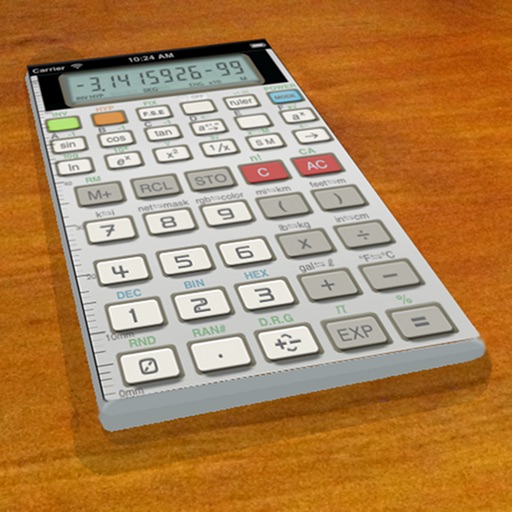
Calculate with trigonometric and exponential functions
Store values by pressing "STO" and selecting a memory slot. Perform basic arithmetic and advanced mathematical functions including sine, cosine, logarithm, and exponential.
Convert photos into PDF files by selecting and merging multiple images. Crop and filter documents for clarity. Share or save PDFs directly. Manage and organize scanned documents within the .
A vintage-style scientific calculator with a retro LCD display and realistic key sounds. Perform basic and advanced calculations, use shift functions, and access additional modern features like parentheses and memory storage.
Create digital by drawing with finger or Apple Pencil. Add typed text and organize into pages. Flip through like a physical notebook. Save and share directly.
Customize appearance with background colors, GIFs, and pattern images. Adjust button colors, text, borders, and size. Access special characters and supports multiple languages. Does not collect user data.
Create notes on photos directly from the Photos without opening another . Edit images with cropping, adjustments, and text overlay. Use action extension to edit photos from any .
Create plans, habits, or to-dos with customizable schedules. Set daily or weekly reminders. Make calls directly from notifications or the widget. Track completed calls with a checkmark button. Organize plans into categories for easy management.
Edit and navigate handwritten documents with vector drawing tools. Organize files using Apple's document browser. Sync with iCloud and other cloud services. Save in open SVG format for compatibility with other vector graphics software.
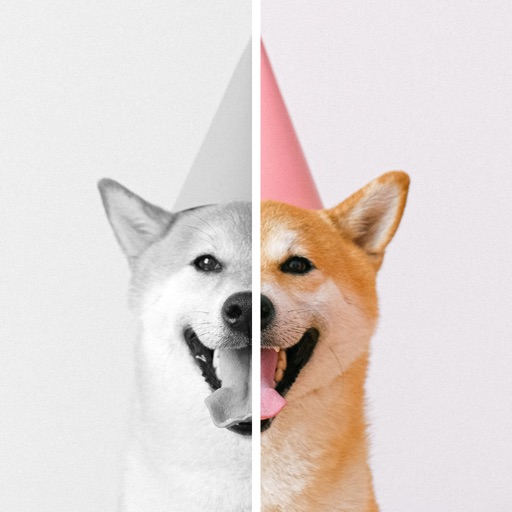
Take with customizable filters for character, scene, mood, scenery, food, and black and white. Add handwritten signatures for personalization. Apply blur and dark angle effects. Share directly to social networks.
Create and organize notes with a distraction-free interface. Write entries for past, present, and future dates. Add current time and set various time types. Save and review notes for personal memory collection.
Capture colors directly from real-world objects without needing to take a photo first. Manually adjust white balance and exposure for precise sampling. Select saved images from the camera roll to analyze colors.