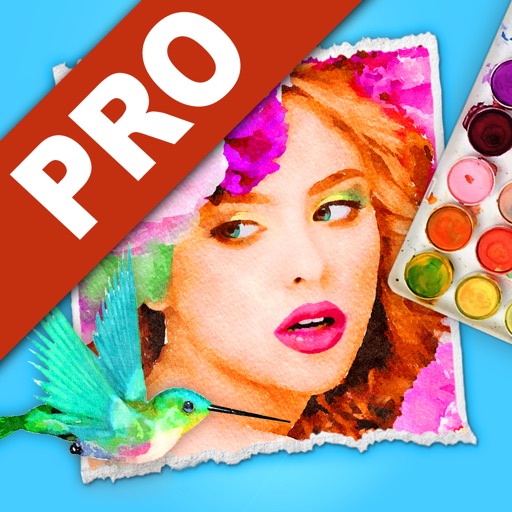
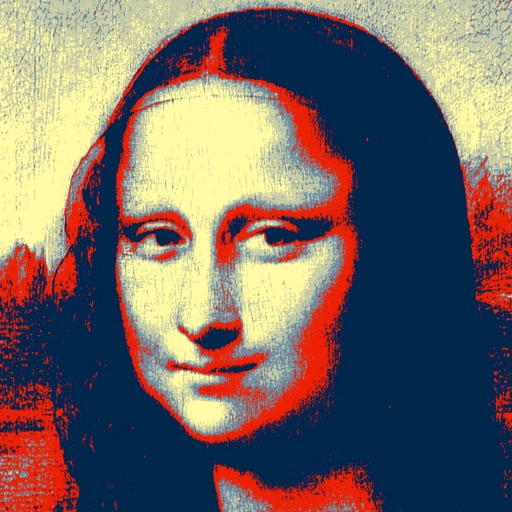
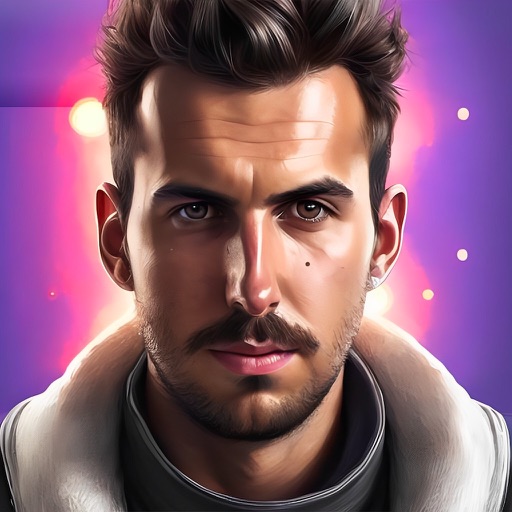
Turn photos into paintings using preloaded styles and custom brushes. Adjust brush strokes with paint masks and save images with transparent backgrounds. Generate unique styles in Workshop mode and share or print finished artwork.
by Gilles DEZEUSTRE★ 4.4419 ratingsPhoto & VideoFreeData updated 2026-09-08
Generate professional headshots from selfies using AI technology. Adjust lighting, background, and pose. Export in high resolution and share directly. Customize appearance and style settings.
Create dynamic videos from photos using AI templates and effects. Add text, stickers, and music. Choose from various styles and clothing options. Edit and export videos directly. Share finished videos on social media.
Convert images and selfies into - illustrations using AI. Choose from various artistic styles including classic and modern digital art. Adjust poses and facial expressions for personalized results. Export and share the generated artwork.
Generate AI-powered artwork by entering text prompts and selecting art styles. The creates images based on user input and offers various artistic styles to choose from. Users can view and download the generated paintings.
The app allows users to create glow paintings, fireworks, and animated text art. It offers vivid glow colors and flexible adjustments for a relaxing and fun experience.
Edit photos by applying AI-generated filters and effects. Choose from various styles and presets. Process images automatically for polished results. Share edited photos directly.
The app transforms user images into watercolor art with liquid color pools and delicate details. It offers two professional-quality aquamedia styles, a randomize color button, and numerous styles for customization.
Edit photos with nine customizable filters. Crop and position images. Add multiple lines of text and messages. Save creations to the library. Share directly to Facebook, Twitter, and other platforms.
Create detailed technical illustrations and artistic designs with vector editing tools. Draw, reshape, and color elements with precision. Import and export files in multiple formats. Use layers, masks, and effects for advanced design work.
Edit photos with brushes and black-and-white effects
Edit photos by converting them to black and white and selectively retaining with a finger brush tool. Zoom in and out using two-finger pinching for precise adjustments. Share edited images via email or upload to Twitter, Flickr, or Dropbox.
AI-powered editing transforms photos into cartoon art, watercolor paintings, or other creative styles. Users can apply filters, adjust colors, and add effects. Export edited images in various formats and share directly.
Swipe to rotate images and adjust angles to solve puzzles. Choose from various low and art styles. Unlock free packs to expand content. Share completed puzzles with friends.
Create custom island and wallpapers for iPhone models. Import a photo as background, choose from over 80 styles, and save to album or set as . Adjust settings to personalize design.
Analyze facial features using golden ratio, face shape, and emotion detection. Calculate beauty score based on makeup, hair color, and skin tone. Determine attractiveness through facial scanning and provide beauty assessment results.
Generate images and videos in various artistic styles, including emotions and art movements. Visualize personal goals through interactive Wish Map features. Create custom comic books with sequential panels.