Turn photos into paintings using preloaded styles and custom brushes. Adjust brush strokes with paint masks and save images with transparent backgrounds. Generate unique styles in Workshop mode and share or print finished artwork.
by Gilles DEZEUSTRE★ 4.4419 ratingsPhoto & VideoFreeData updated 2026-09-08
Create digital paintings using a brush for intricate curves and unique patterns. Adjust brush settings for different effects. Combine brush with regular brush for varied artwork. Export and share finished drawings.
Create and save high-quality 2048x2048 images using AI. Select from hundreds of art styles and artists to generate unique artwork. Use random prompts to design text inputs for image generation.
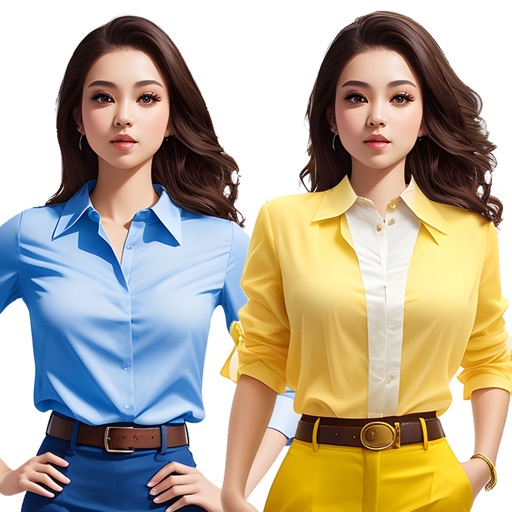
Create and customize images using a variety of style templates including fresh and sweet, retro ethnic, classic Hanfu, dreamy wedding dresses, minimalist portraits, and trendy travel shots. Switch styles with one tap.
Capture photos in ProRaw and 48MP on high-end iPhones with manual controls. Edit photos while preserving HDR effects. Edit Live Photos to relive moments. Add custom Frames to personalize images.
Create creepy text for social media with cursed fonts and art. Generate hacked messages and nickname styles. Design profile layouts and send spooky texts to friends. No ads or tracking. Free to use.
Create images using text prompts with AI-generated art. Apply filters like photo, hyperrealism, gothic style, impressionism, and anime. Edit and export images in various formats. Share generated artwork directly.