Create photos with customizable templates and collage features. Edit images by dragging, rotating, or mirroring. Access daily trending templates and editor’s choices. Share finished photos directly. Track through photo collections.
The app allows users to send photos directly to CEIVA frames from any location. Users can also view, save, share, and store their photos, and invite others to send images to their frames.
Create digital invitations and greeting for events like birthdays, weddings, and parties. Customize designs with text, images, and templates. Add personal messages and export as PDF or image files. Share via email or social media.
Create personalized messages for social media and dating apps using AI-generated responses. Upload a profile picture or describe your situation to generate confident, engaging replies.
Create custom mug designs by adding frames, text, and stickers to photos. Adjust colors and layouts to personalize the look. Export designs for printing or sharing directly.
Edit photos with advanced filters, dynamic effects, and precise adjustment tools. Add text, stickers, and overlays. Export in various formats and share directly to social media or cloud storage.
Create gifs with stop motion, cinemagraphs, time lapse, and reverse effects. Adjust timing, add text, and customize loops. Export and share directly from the .
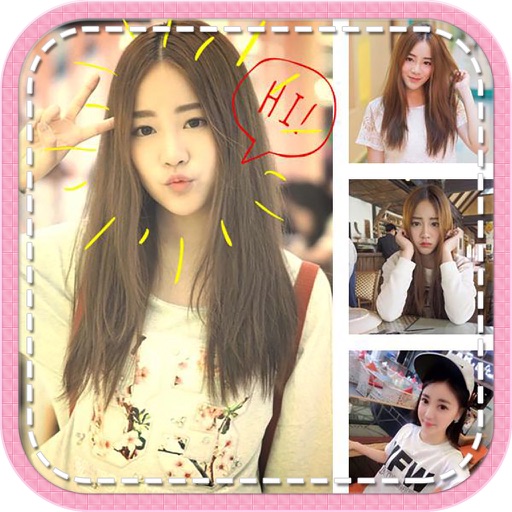
Create collages using up to 15 photos with customizable layouts. Adjust size, position, and rotation. Crop with various proportions. Convert photos to square formats with blur, color, or tile backgrounds. Apply filters, rotate, flip, or clip photos.
Create and customize pictures with filters, stickers, and text. Upload photos or use templates to design avatars. Share creations directly to social media. Update images regularly to stay current with trends.
The app allows users to upload photos from their library to an online collection. Users can order prints of their photos in full resolution with options for finish and borders.