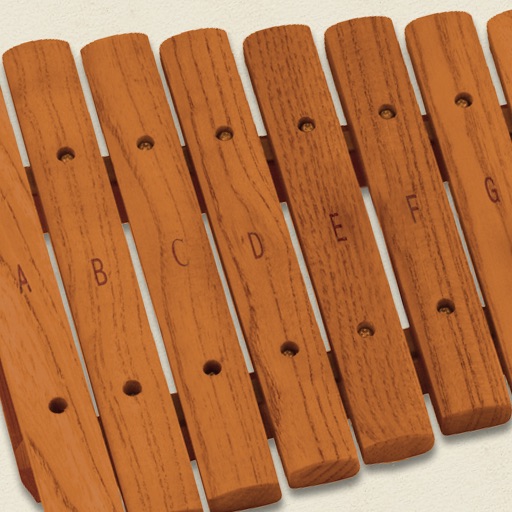
The app simulates a marimba, a percussion instrument with wooden keys arranged like a piano. It produces musical tones when struck with mallets, offering a chromatic layout for performers.
by Buzly Labs Ltd★ 2.835 ratingsMusicFreeData updated 2026-09-29
Tune guitars with precise frequency detection. Adjust tuning settings for different string gauges. Display real-time tuning accuracy. Sync with audio input for live performances. Disable visual elements for stage use.
Play a full 88-key virtual keyboard to access 91 musical instruments. Use touch gestures to control dynamics and articulation. Record performances and export audio files. Share compositions via email or social media.
Play notes by tapping keys on the screen. Adjust volume and pitch. Choose from multiple styles and sounds. Save and share performances. Sync with external devices for real-time playing.
Create and save progressions with visual feedback. Trigger chords via MIDI footswitch. Sync progressions with other apps. Learn relationships and scales. Play chords on an on-screen piano keyboard. Use pads to organize and access saved chords.
Play music trivia games by guessing songs based on limited instrument clues. Start with one instrument and add more to identify the track. Compete against others in real-time matches. Track progress and view high scores.
Learn harmony and voicings with interactive lessons and a library of chords and voicings. Use the Coach to visualize mallet positions. Create and export MIDI sequences. Play chords on vibraphone or keyboard instruments.
Play the oud instrument with realistic acoustic sound. Access scales and notes for practice. Record and share music on social media. Use a piano interface with oud sounds. Manage audio files and engage with interactive features.
Play with customizable key labels and sustain pedal. Record performances and use custom sound fonts. Support inter- audio and EXS24 instruments. Launch instantly with home screen widget. Track pitch for vocalists and compose on the go.
Create and edit musical scores with multi-staff and multi-voice editors. Add notes and chords using the Pencil tool. Transpose sections with vertical drag. Use On-Screen piano for quick composition. Select and adjust elements with the Select tool.
Create progressions and loop them in sync with other apps. Trigger chords via MIDI footswitch. Explore music theory and harmonies. Save and share progressions. Sync with Apple Health.
The app offers a piano interface with multiple instrument sounds including piano, pan flute, and violin. Users can play along with songs and enjoy percussion instruments with G-sensor support.
Convert files to and play them simultaneously. Highlight piano notes and in real time. Adjust playback speed. Access over 50 classical piano pieces by Beethoven, Mozart, and Chopin. Import custom files from the internet.
Play and customize high-quality piano SoundFonts. Import and edit SoundFonts with built-in synthesizer tools. Apply professional effects to enhance sound. Save and share modified SoundFonts.
Create and edit chord progressions by selecting keys and chords. Build custom sequences and explore variations. Learn through interactive play and real-time feedback. Export progressions and integrate with music production tools.
Play and learn percussion with virtual and bongos. Tap to strike drums, adjust volume, and follow video lessons. Access loops in various music styles to practice and play along. Track progress and replay lessons for improvement.