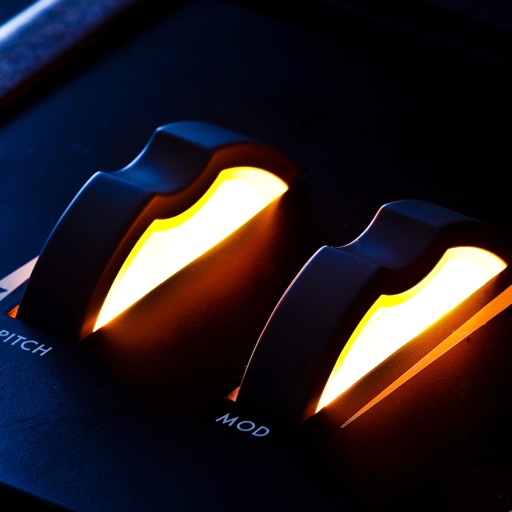
Control MIDI-enabled synths and keyboards via modulation wheels and pitch ribbons. Adjust pitch and modulation parameters in real time. Supports vintage synth interfaces and organ keyboards with synth sounds.
by Matthias Schorer★ 4.09 ratingsMusic$1.99Data updated 2026-09-08
Record and MIDI tracks for music production. Edit vocals for pitch and timing. Use virtual instruments and effects. Create drum patterns with custom samples. Mix and automate tracks with unlimited undo/redo.
Play virtual with 1300 looped samples and 4 velocity layers. Include key-on and key-off sounds for realism. Use Audiounit support, iOS Universal compatibility, and Audiobus integration for audio routing.
Create and customize sounds with a wide range of synthesizer presets. Adjust knobs and parameters to design unique tones. Load AudioUnit plugins in DAWs. Connect via MIDI to external keyboards.
Create and customize sounds using a wavetable synth with an intuitive interface. Access 300 factory presets. Adjust waveforms, modulation, and effects. Save and recall custom patches. Limit to 8 voice polyphony.
Virtual analog synthesizer for drum and percussion sounds. Play with MIDI device or compatible host. Features monophonic sound, adjustable filters, envelope controls, and modulation options. Includes basic waveform shapes and drum kits.
Play with a full 88-key keyboard. Adjust key size for easier touch. Choose from a sampled or 128 MIDI instruments. Zoom in and out for better control. Includes a single banner ad. Optimized for iPad use.
Play virtual organs with authentic sound samples. Select preset tones and effects. Adjust volume and pitch. Save and share recordings. Explore classic rock tracks and soundscapes.
The app provides remote control for Ableton Live and MIDI devices. It offers integration with Ableton Live and extensive MIDI capabilities for controlling software or hardware.
Practice recognition by listening and playing intervals on a virtual piano. Improve pitch and transcription skills through repeated exercises. Track progress and enhance improvisation abilities with regular use.
Create and manipulate synth sounds with oscillators, filters, and envelopes. Adjust parameters for tone shaping and modulation. Save and load presets. Export audio files and integrate with digital audio workstations.
Simulate the ANS synthesizer by drawing spectrograms to create music. Adjust parameters like pitch, amplitude, and envelope. Play back compositions and export audio files. Learn about the history and unique capabilities of the ANS instrument.
Create and control orchestral sounds using MIDI input from external keyboards or Bluetooth devices. Adjust instrument parameters, apply effects, and route audio through Audio Unit or Inter- Audio.
Visualize pitch and intonation as a trace on the screen. Compare singing or playing instruments to reference tones on a piano keyboard. Track pitch accuracy, slides, and scoops in real time. Used for vocal training and instrument tuning.