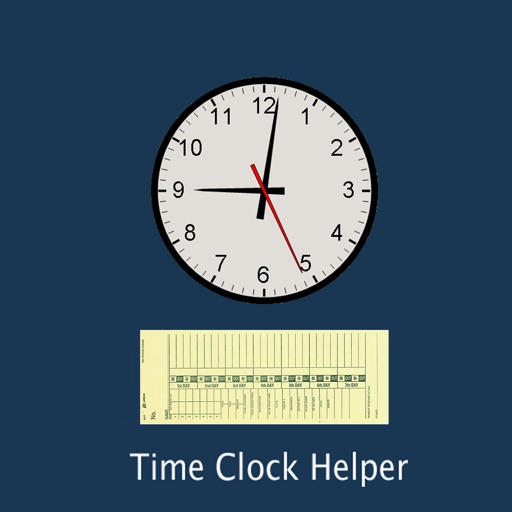
Track work hours using a card interface. Input times via scroll wheel or manual entry. Adjust fields with keyboard or swipe navigation. Save and review entries for daily work calculations.
by Ducky Planet LLC★ 4.5232 ratingsProductivity$0.99Data updated 2026-09-08
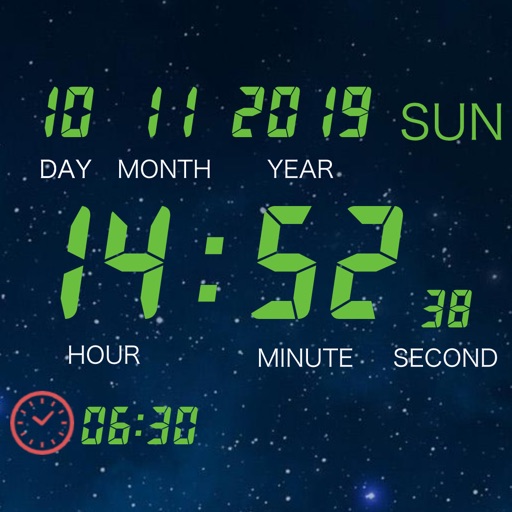
Set alarms with date options, repeat settings, and snooze functionality. Track global time zones and locate cities on a globe. Use fade effects to gradually up with customizable transitions.
Track daily tasks and habits with customizable mission lists. Complete missions to earn coins for self-rewards. Reorder tasks, edit, or delete entries. Sync progress via iCloud. Set personal preferences in settings.
Turn your iOS device into a USB drive. Transfer files between device and computer via Wi-Fi or iTunes. Browse, play music and video, and edit text files. Create folders, sort files, and change view mode.
Customize and text tones with a variety of sounds and animated buttons. Set default or SMS tones for contacts. Update regularly with new . All features are free to use.
Play with adjustable key widths and custom labels. Use haptic feedback on key presses. Access saved settings on each launch. Jump between octaves and disable scroll. Supports assistive screen readers and iPad with 2 rows of keys.
Display tasks on Home or Lock Screen with a simple widget. Tap to mark tasks as completed. Add tasks manually and rearrange order in settings. No folders, tags, or notes included. Focus on daily completion without additional features.
The app converts hours and minutes to decimals, and decimals to hours and minutes. Input values can be entered as hours:minutes, decimals, or minutes, with conversions displayed instantly.
Play by tapping buttons to prank friends or use as a soundboard. Access popular meme sounds, fails, and DJ . Save favorite sounds as ringtones or text message alerts.
Type in English to generate words using transliteration. Access word predictions for both and English. Switch between languages with a dedicated key. Use an emoji button after pressing 123. Enable the in settings and activate it for use.
Create timers for upcoming events and dates. Set reminders for birthdays, diet periods, workouts, and holidays. View remaining time in days, hours, minutes, and seconds. Receive notifications when time is up.