The app offers a collection of analog clocks for iOS/iPadOS devices. Users can swipe to switch clock styles, show or hide the date and seconds, and adjust brightness.
by Tan Chia Ling★ 4.03 ratingsEntertainment$1.99Data updated 2026-09-28
Offers unique home screen with exclusive design styles. Features include morse code clocks, dot matrix displays, word clocks, and dayloader progress clocks. Users can preview calendars and weather directly on the home screen.
A displays time on a digital screen and a clock face. Users can track total seconds for tasks or tests. The digital display shows precise time after timing ends. The clock face shows total seconds in the center.
The app allows users to view their Live Time Clock Display on an iOS device. Users can track event times anywhere with an internet connection, supporting both portrait and landscape viewing.
The app manages passwords and offers an iCloud backup. It secures passwords with an access code or Touch ID, allowing users to copy and hide or show them.
The app displays weather information for the whole week with a new design and helpful features. Users can swipe to view forecasts up to 5 days, humidity, UV index, and precipitation chance.
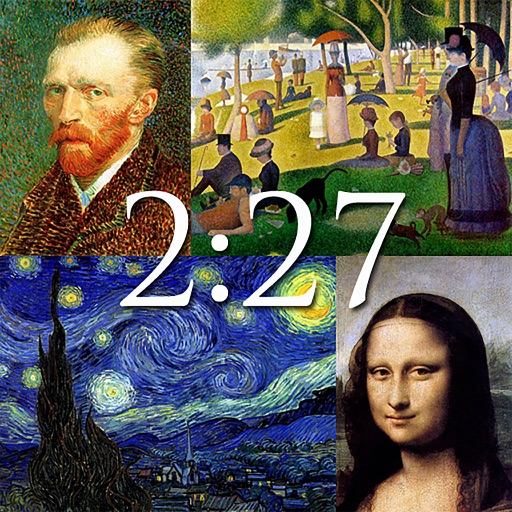
The app displays notable works of art from artists like Van Gogh, Monet, and Da Vinci. It functions as a clock with customizable backgrounds and a slideshow option, or users can save images as wallpapers.
Create for exercise or productivity. Set durations and rest periods. Adjust sounds, labels, and themes. Share timer configurations with others. Track session history and export data.
Displays time in a full-screen font that covers the entire screen. Allows setting brightness and contrast via finger swiping. Supports any screen orientation. Designed for users with poor eyesight.
Track current time zones and locations. Set alarms for specific times. View sunrise and sunset times. Share location details with others. Adjust time zones manually or automatically based on location.
Manage tasks with customizable lists and calendar integration. Add descriptions, deadlines, importance ratings, locations, and categories. Create subtasks and hide tasks for focus. Set repetitive or date-based reminders and day-of-the-week alerts.
Record audio notes across iOS, iPadOS, and macOS with cloud sync for cross-device access. Edit recordings, add timestamps, and organize files in folders. Share notes via email or messaging apps.
Allows users to switch between page turning and displays. It includes a stopwatch, countdown, and Pomodoro timer. Users can set countdown days and anniversaries. Customizable font colors, sizes, and background colors are available.