Apps Like LINE Camera - Photo editor for iPhone and iPad
Capture and edit photos with filters
Edit photos with filters, cropping, and adjustments. Add text and stickers. Use beauty tools to enhance skin tone and reduce imions. Share edited photos directly. Create custom stickers from images or text.
by SNOW Corporation★ 4.714,128 ratingsPhoto & VideoFreeData updated 2026-09-08
Edit photos with a wide range of filters and advanced editing tools. Adjust brightness, contrast, and saturation. Add text and stickers. Export images in various formats and share directly.
Backgrounds from photos for professional product images. Apply pre-designed templates for shopping. Add stickers and create collages for social media platforms. Export edited images directly.
Edit photos with high-quality resolution and advanced filters. Adjust brightness, contrast, and saturation. Add text overlays and stickers. Crop and rotate images. Export in various formats and share directly.
Edit videos with precision tools to trim, split, and merge clips frame-by-frame. Resize and crop videos, including maintaining original proportions. Enhance photos and design collages within the same .
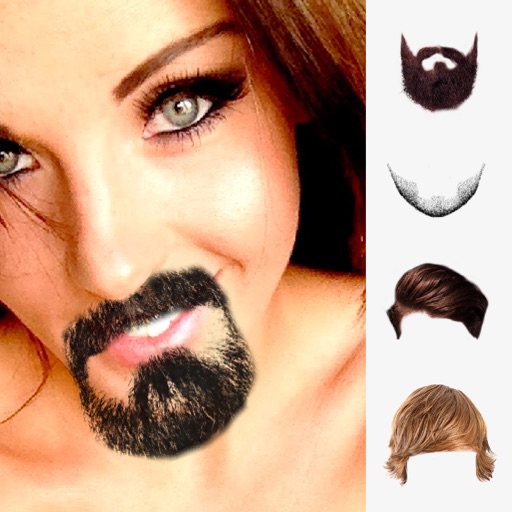
Try on different hairstyles and colors on facial photos. Select from over 50 styles and adjust to fit face shape. Add stickers and decorative stamps to enhance photos. Preview changes and save edited images.
Edit photos into customizable grids with layout options, shapes, and frames. Add text and messages. Apply filters and effects. Stitch multiple images into a single composition. Export and share edited collages.
The app allows users to add speech balloons to photos. It offers a simple interface with various balloon options, voice input, and image editing tools like cropping and filters.
Edit photos with filters, cropping, and adjustments. Add text and stickers. Export in multiple formats and share directly. Access exclusive effects and continuous use of all features with a Premium subscription.
Edit photos by selecting from the gallery or using the camera. Add and adjust their position, size, and rotation. Crop images by dragging or scaling with two fingers. Share the edited photo directly.