Apps Like LINE Camera - Photo editor for iPhone and iPad
Capture and edit photos with filters
Edit photos with filters, cropping, and adjustments. Add text and stickers. Use beauty tools to enhance skin tone and reduce imions. Share edited photos directly. Create custom stickers from images or text.
by SNOW Corporation★ 4.714,128 ratingsPhoto & VideoFreeData updated 2026-09-08
QSOFT INFORMATION AND COMMUNICATION TECHNOLOGY SOLUTIONS COMPANY LIMITED
Add , stickers, and customize fonts
Add to photos with over 100 fonts, customize color, size, and alignment, and apply effects like shadows and outlines. Choose from various stickers including animals, people, food, and objects. Create typography with adjustable formatting options.
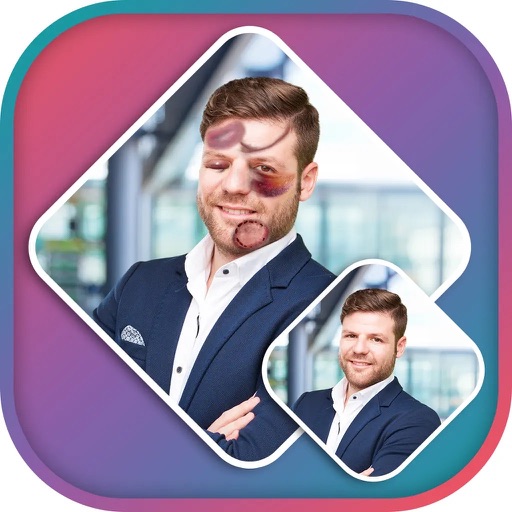
Apply effects to photos using pre-designed styles and stickers. Add -themed overlays and effects. Edit and save modified images directly. Share edited photos through integrated sharing options.
Edit photos with grid layouts, brightness, contrast, and saturation adjustments. Apply filters to enhance images. Create collages with multiple layout options. Export edited photos in various formats.
Capture and edit photos with in- filters and stickers. Print photos using a compatible instant printer. Share images and videos via social networks. Create augmented reality videos from single photos.
Create videos from photos and clips for events like birthdays and holidays. Add animated collages, AI-generated stickers, and smart transitions. Automatically generate slideshows with transitions. Share finished videos directly.
Take photos with advanced camera functions and reshaping technology for leg-lengthening effects. Add cute and cool stickers from a large selection. Apply unique filters to enhance and stylize photos. Share edited images directly.
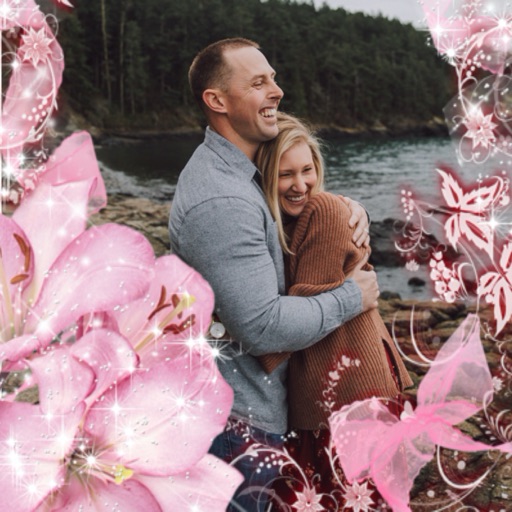
Select a or take a new one with the camera. Choose from over 30 colorful to decorate images. Apply different frame styles and designs. Save edited photos to the gallery and share them on social media.
Take selfies with real-time face beautification filters and stickers. Apply and adjust skin tone. Edit photos with tools and export in various formats. Share directly to social media.
Edit photos with filters, Santa Claus transformation, and elf effects. Add snow particles, North Pole backgrounds, and holiday text. Save and share edited images directly.
Edit photos with AI-powered object removal and background blur. Generate from text using AI. Adjust colors, brightness, and contrast. Add filters and effects. Crop and resize . Share edited photos directly to social media.
Convert black and white images to using selective recoloring. Select photos from the gallery or capture new ones. Pan and zoom for precise editing. Resize and fit images to the screen. Use redo and undo features for error correction.
Create albums and collages with customizable text, fonts, and colors. Add stickers, , and backgrounds. Design greeting cards with personal messages. Edit images with predefined styles and categories. Share edited photos directly.
Edit photos with borders, cropping, and resizing tools. Add designer borders to round images. Save and share edited pictures on Instagram, TikTok, Facebook, Twitter, WhatsApp, and other platforms.
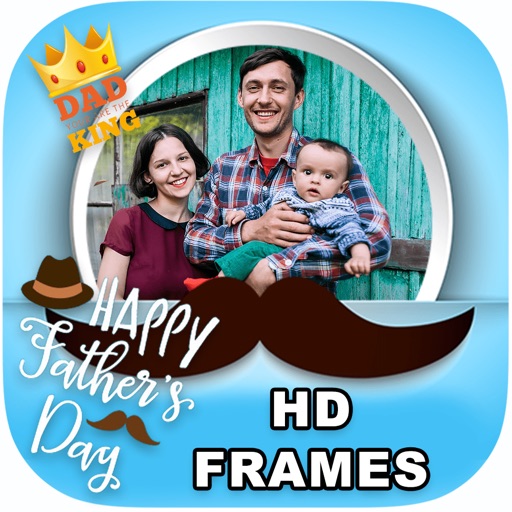
Edit photos by adding borders, special effects, and text. Choose from over 200 HD . Select images from gallery or camera. Save and share customized Day photos with friends and family.
Apply to photos using the built-in image editor. Select from a gallery or take a new with the camera. Add to enhance images of children. Save and share edited photos directly.
Create and share short videos as animated GIFs or MP4. Capture frames with the or import photos, videos, or Live Photos. Apply real-time color filters, add text or frames, and choose stop motion or video mode.
Create collages with 64 layouts and custom difference templates. Add photo frames, stickers, captions, and text with font options. Edit backgrounds and export finished collages.