Apps Like What Does Miss Bee See? Fun Deck for iPhone and iPad
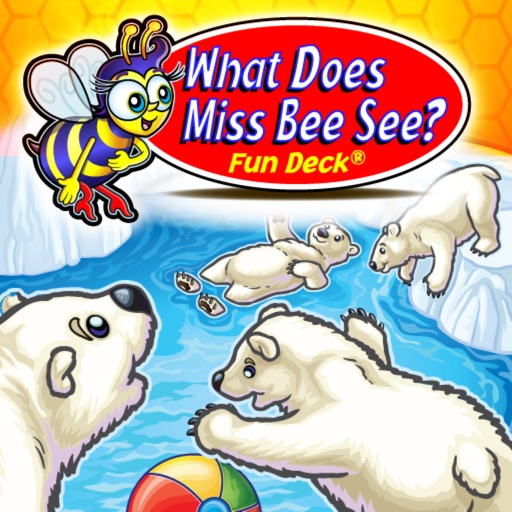
Study flash cards with audio and select
Provides illustrated picture flash cards with audio support. Users select cards for students to view and answer questions about Bee sees. Prompts include scenarios like at the zoo or hiding in a box.
by Super Duper, Inc.★ 4.05 ratingsEducation$3.99Data updated 2026-09-08
The app offers over 35 educational activities and mini-games for learning languages, vocabulary, reading, and spelling. It tracks user progress and allows for multiple user accounts with cloud sync across devices.
Track scores for the card game 500 by entering bids and tricks won. Calculate scores automatically. Support for 2 to 4 players. Pause and resume games. View game history. Access rules and scoring tables. Edit or delete entries.
Tap to control a bird that flies across the screen while avoiding obstacles. Choose between Yellow Bee, Blue Bird, or Red Dragon with different sizes and speeds. Compete with friends and unlock achievements through Game Center.
Play a guessing game by holding your phone to your forehead to show clues to friends. Choose from multiple decks. Act out, describe, or use creative methods to words. Compete in real-time with others.
Master blackjack decisions with realistic practice.
The app helps users master basic strategy through interactive drills and realistic table rules. Users practice real blackjack hands, choose correct plays, and build speed for confident decisions.
Creative Experiences - Lisbon Labs - Solucoes Mult
Download songs and watch videos
Download with two free songs. Purchase additional tracks like "Twinkle, Twinkle, Little Star" and "The Wheels on the Bus." Enable subtitles and voice over. Access kid-friendly interface with original artwork and videos.
Play interactive and view photos of over 200 animals. Tap to hear like a rhino, seal, or cow. Features include simple navigation for toddlers, family-friendly gameplay, and educational content for preschoolers.
The app allows children to practice directional language and programming sequences. It expands on Primary Computer Science lessons and is optimized for children aged 4 and above.
Solve puzzles with three clues and three shared letters. Find three mystery words using logic and deduction. Play in any order and access a new puzzle each day at midnight ET. Track progress and compete with others.
Play card game with 3 computer opponents. Match numbers, letters, or colors. Play 8 card to change color. Use Mau Mau rules with Lose a Turn, Take a Card, and Switchback cards.
Match pairs of cards by connecting them with up to three lines. Remove matched cards to earn points. The game ends when all cards are removed or time runs out. Track progress and compete to clear the board.
Track game scores with number cards from 0 to 12. Apply modifiers like +2, +4, +6, +8, +10, or ×2. Earn 15 bonus points for selecting exactly 7 cards. Add and manage multiple players. Save and review game results.
Practice multiplication with five interactive games. Complete quizzes with a bear and balloons. Use flash cards for memorization. Track progress through levels. Compete in timed challenges. Share scores with .