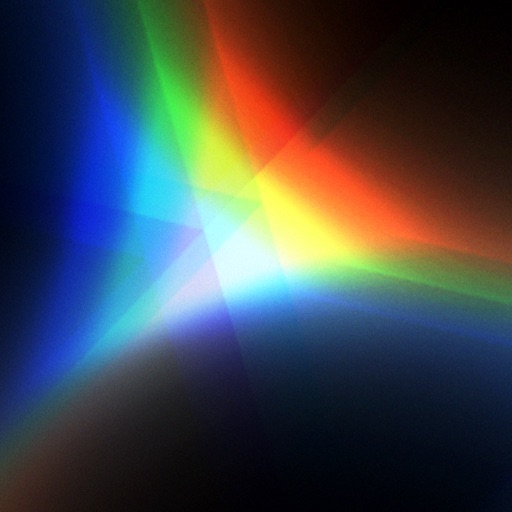
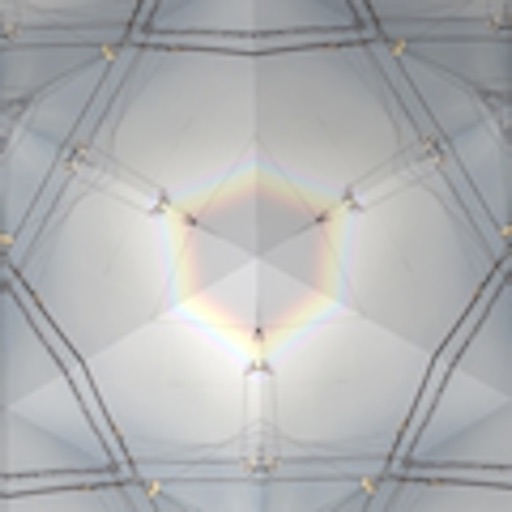
The app displays images from the camera as a kaleidoscope. It reproduces a tapered mirror system kaleidoscope and adds chromatic aberration for realistic images.
by Masataka Hakozaki★ 4.85 ratingsEntertainment$1.99Data updated 2026-09-28
View and set high-quality 4K and live . Choose from a daily updated collection of vibrant images and dynamic live . Customize your device's background with exclusive designs and animated visuals.
Customize iPhone home screens with wallpapers and backgrounds. Choose from a variety of high-quality, unique images. Set dynamic wallpapers that change over time. Add personal touches to make the device stand out.
Edit photos by drawing on them with adjustable brush sizes and color choices. Use an erase tool and undo/redo functions for precision. Save edited images for later changes or share them directly on social networks.
Create abstract art by drawing shapes that auto-connect and fill with random procedural patterns. Use Auto Draw to generate unique compositions in real time. Watch animations transform your artwork into kaleidoscopic designs.
Scan tickets with AI-powered camera recognition to instantly check results. View real-time notifications for wins. Explore multiple number generation methods for playing. Share results and ticket details directly.
Create fluid ink paintings with finger swipes. Use tapered brushes for organic line effects. Overlay strokes for layered artwork. Practice minimalist and painting techniques.
Resize and crop photos in batches, adjust dimensions, rotate, or delete multiple images at once. Save edited photos to camera roll, email, or Dropbox. Customize resize settings and export to a working directory without altering original files.
Images by adjusting dimensions and quality. Edit photos with a clean interface. Share resized images to Facebook, Twitter, and Instagram. Optimized for latest iPhones. Remove ads by tapping the "" option.
Edit photos with color and film filters, vintage textures, and light leak effects. Adjust brightness, contrast, and saturation. Add vignettes and analog film sensations. Export edited images in various formats.
Edit photos by beautifying faces or replacing backgrounds. Apply filters and adjust images. Duplicate subjects in portraits. Use depth data from dual-camera photos to enhance edits and create -style effects. Export modified images directly.
Explore a first-person point-and-click adventure with a mysterious setting and a variety of puzzles. Use a camera to photograph objects and uncover secrets. Solve environmental puzzles to progress and uncover the story behind the enigmatic situation.
Use camera to project image outlines onto paper for tracing. Choose images from gallery or collection. Follow lines to practice sketching. Suitable for beginners, artists, and students. Improve hand-eye coordination.
Capture photos and videos with high resolution up to 4032x3024 and 4K. Switch between front and back cameras. Use face detection, grid, and image stabilization. Zoom up to 10x. Adjust focus and exposure by tapping.
Resize photos to custom dimensions for social media, websites, and emails. Adjust sizes via slider or manual input. Access photos from camera, files, or web links. Save edits to history and share directly or store in photos.