Practice with customizable difficulty and problems
Practice telling with customizable difficulty levels and problem counts. Choose from easy, medium, hard, or genius modes. Set the number of problems to solve. Track progress through increasing difficulty levels.
by Horizon Business, Inc.★ 4.1218 ratingsEducationFreeData updated 2026-09-08
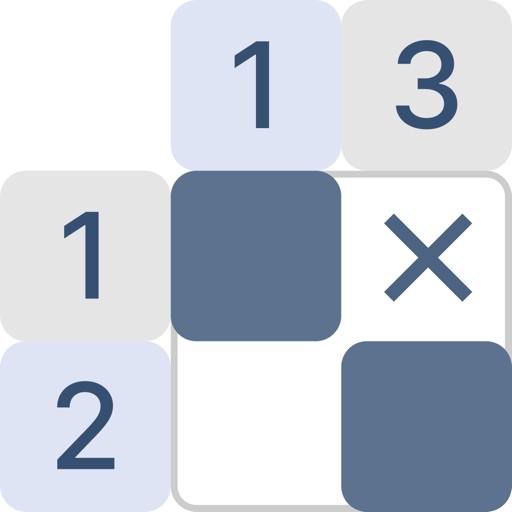
Solve puzzles by filling grids based on number clues. Each row and column has clues indicating block counts. Reveal pixel-art images as grids fill. Features include varying difficulty levels, hints, and a library of puzzles.
Solve math problems under time limits. Correct answers extend time and increase difficulty. Track progress with daily sessions. Customize difficulty levels. Compete in leaderboards. Share scores on social media.
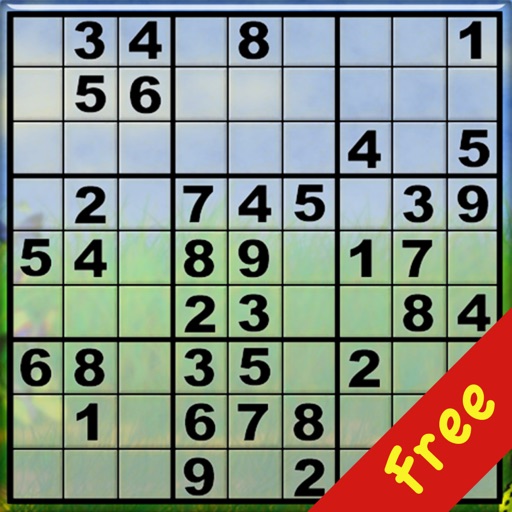
The app offers Sudoku puzzles in two styles: Classic Sudoku with numbers and Colored Sudoku with nine different colors. It includes thousands of puzzles across seven difficulty levels, all available for free without in-app purchases.
Play with ad-free gameplay and traditional or light/dark themes. Choose from three difficulty levels. Flag mines, reveal cells, and clear the board without triggering explosions.
Practice facts with flashcards for addition, subtraction, multiplication, and division. Choose difficulty levels from beginner to advanced. Save challenging problems to favorites for review. Engage in interactive problem-solving sessions.
Play a game with 4 difficulty levels. Track high scores locally or via Game Center. View hint, show wrong entries, and undo moves unlimitedly. Play background music from iTunes.
The app offers a classic board game experience on iPhone, iPad, and iPod. Players can compete against an AI with four difficulty settings, receive hints, and undo moves.
Learn math through customizable problems and visual aids. Adjust difficulty levels and problem types. Solve equations with interactive tools. Track progress and receive instant feedback.
Play against the computer or another player. View available moves and take back moves. Get hints and choose from five difficulty levels. Includes sounds and a clock.
Review homework problems with step-by-step explanations. Generate flashcards, quizzes, and study notes. Get writing assistance and access unlimited practice materials with a premium subscription.
The app features 120 unique levels with varying difficulty and dynamics. Users can earn points, gain XP, increase their rating, and climb the hierarchy ladder.
The app offers a free solitaire game with three difficulty levels: Easy (Draw 1), Medium (Draw 2), and Hard (Draw 3). The objective is to arrange cards by suit in ascending and descending order.
Test your knowledge by naming U.S. state capitals. Adjust difficulty by selecting the number of capitals to choose from. Incorrect answers are listed with Wikipedia links for quick reference.
The app develops elementary math skills and number sense through various activities. It includes practice and quiz modes with customizable difficulty levels for whole numbers, fractions, and decimals.
Learn through 2500+ animated videos explaining concepts visually. Solve 4500+ problems with video and text solutions. Access interactive tools to visualize experiments and track progress. View detailed explanations for each problem.