Simulates blindness to show how it affects vision. Adjusts live video to enhance differentiation for users. Allows users to test different correction settings and view modified real-time footage.
by denny gudea★ 4.98 ratingsMedical$0.99Data updated 2026-09-08
Convert photos to grayscale and selectively specific areas using finger touch or custom colors. Draw with zoom and rotation for precision. Use a magnifier for detailed work. Undo mistakes or redraw in grayscale. Export edited images.
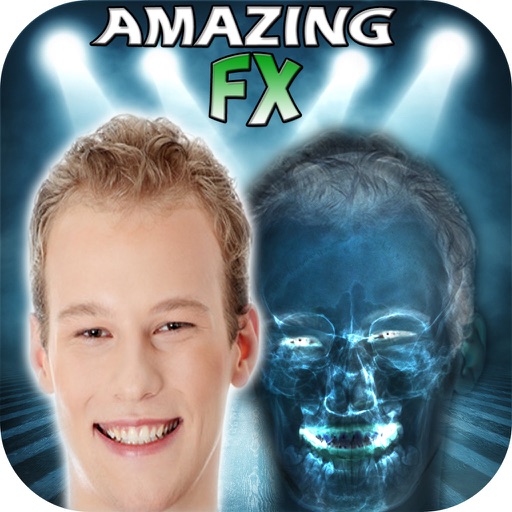
The app allows users to create simulated X-Ray Filter Photographs, Night Vision Filter, Infra-Red, and See-Through Vision Filter FX. Users can apply these effects to new or existing photographs from their library and share them.
The app checks for nearsightedness, farsightedness, astigmatism, color blindness, and macular degeneration. It measures diopters, allowing users to check their vision from home.
The app allows users to create photos and movies using green screen technology. It supports high-resolution video and photo capture, with a timeline editor for layering and editing multiple video or photo elements.
Automatically detects and hides private text in images. Users can edit photos to remove sensitive information like phone numbers and addresses. Adjust redaction areas and export edited images for sharing.
The app offers current, detailed information for assessing adults, children, and special populations. It uses a "see and do" approach covering health history, physical examination, findings, interventions, and diagnoses.
Take photos with high-resolution settings. Apply 40 free filters, including a popular pink filter. Edit images with color adjustments and effects. Add creative accents to photos. Share edited photos directly from the .
Create text stories and posts by splitting long text into images. Add text to video for TikTok. Choose from dozens of fonts. Customize size, alignment, color, line height, and kerning. Upload custom fonts. Export and share directly.
Uses on-device AI to analyze camera input in real-time. Identify objects, describe scenes, read text, and understand visual content without cloud data transfer. Ask questions or request descriptions to get instant insights.
Take a with 50 multiple-choice questions, each having four options. Select an answer to see it highlighted in green if correct or red if incorrect, with the correct answer displayed in green.
Color images with a variety of tools to customize artwork. Save completed colors or share creations with others. Access a collection of unique illustrations featuring animals, unicorns, mandalas, and more.
The app offers a comprehensive suite for color vision testing, including tests for pilots, adults, children, and seniors. It features diagnostic tools that may be eligible for reimbursement under CPT 92283.
Allows users to take quizzes with 50 questions each. Each question has four options. Correct answers are highlighted in green, incorrect ones in red, and the correct answer is shown in green. A summary displays the number of correct answers.