Apps Like StudentsNotes-课堂笔记画画涂鸦拍照 for iPhone and iPad
Draw and write on class notes.
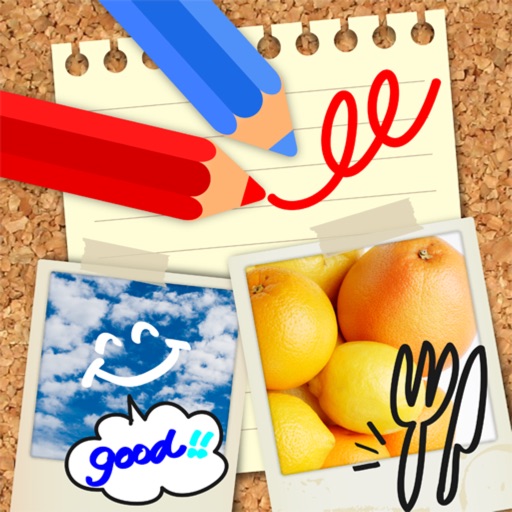
The app allows users to draw and write on pictures taken in class. Users can save these notes as images, add them to a square, and share them via email.
by 著显 朱★ 1.01 ratingsEducationFreeData updated 2026-09-28
Access conference details, presentations, and exhibitor information. Take notes on slides and draw directly on them. Connect with other attendees and manage event-related content.
Access conference details, presentations, and exhibitor information. Take notes on presentation slides and draw directly on them. Connect with other attendees and view event schedules.
Allows users to create modular notes with independent content blocks. Add text, images, voice recordings, and to-dos, then rearrange them freely. Organize information with nested hierarchies.
The app allows users to report graffiti and other service issues within the City of Mission Viejo. Users can submit a photo and location, and the app enters the request into the City's service system for tracking.
Edit images by on photos with 45 colors and five pen thicknesses. Use zoom edit and undo functionality. Add text with drag and pinch for free layout. Import from camera roll and attach images. Share edited content via email, Twitter, and Facebook.
Access event presentations, exhibitors, and attendee connections. Take notes on slides and draw directly on them. Sync notes with presentation slides during .
Take notes and record audio simultaneously. Sync notes with recorded audio for easy review. Index meetings, lectures, or interviews by content. Search and replay specific sections of audio. Export notes and audio files for later use.
The app offers drawing tools including crayons, paint brushes, and colored pencils. Users can create stories by talking about their drawings and moving stickers, then save and share their creations.
Take notes with handwriting, typing, or PDF annotations. Use customizable covers and templates. Choose from 10+ pens and brushes. Adjust pen thickness and color. Draw shapes and lines. Export notes in multiple formats.
View schedules, notes, and slides from conferences
View conference schedules, presentations, exhibitors, and speaker details. Take notes during presentations and draw on slides. Share notes and messages with attendees and colleagues.
Create notes and drawings on a clean, minimal canvas. Annotate images or documents. Save or share content directly. Use a simple, intuitive interface for quick access. Perform basic drawing and text input without distractions.
The app allows users to create interactive presentations and demo videos. It offers features like freehand sketching over live video, adding pictures and shapes, and picture-in-picture recording.
Access details, presentations, and exhibitor information. Take notes on presentation slides and draw directly on them. Connect with other attendees and manage event-related content.